Guides · screenshots first, few words
Quieter feeds,
one screen at a time.
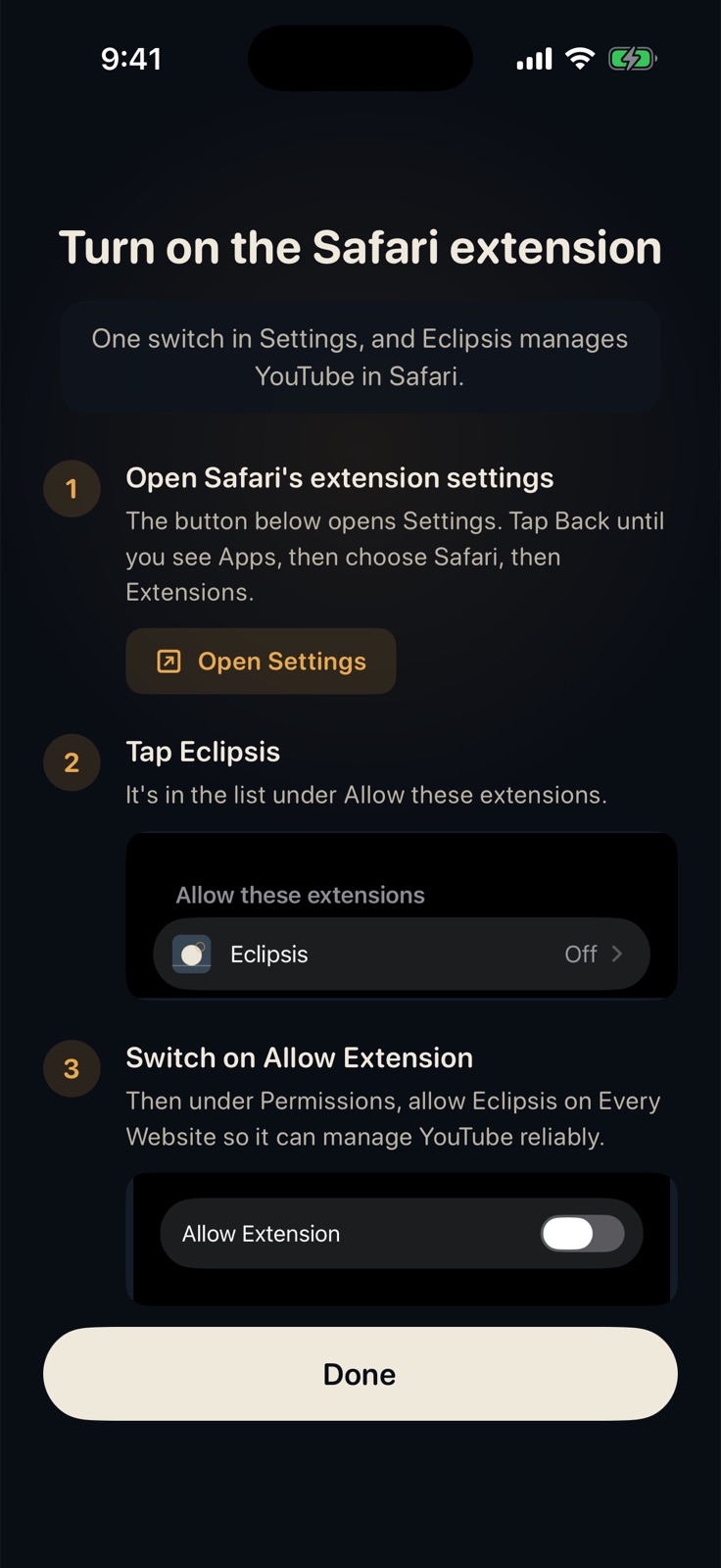
Short, screenshot-based guides, in the order you will need them: setting up, quieter feeds, making the lock stick, and the way out when something goes wrong.
Set up
Your own phone or a child's, and the lock that keeps it honest.
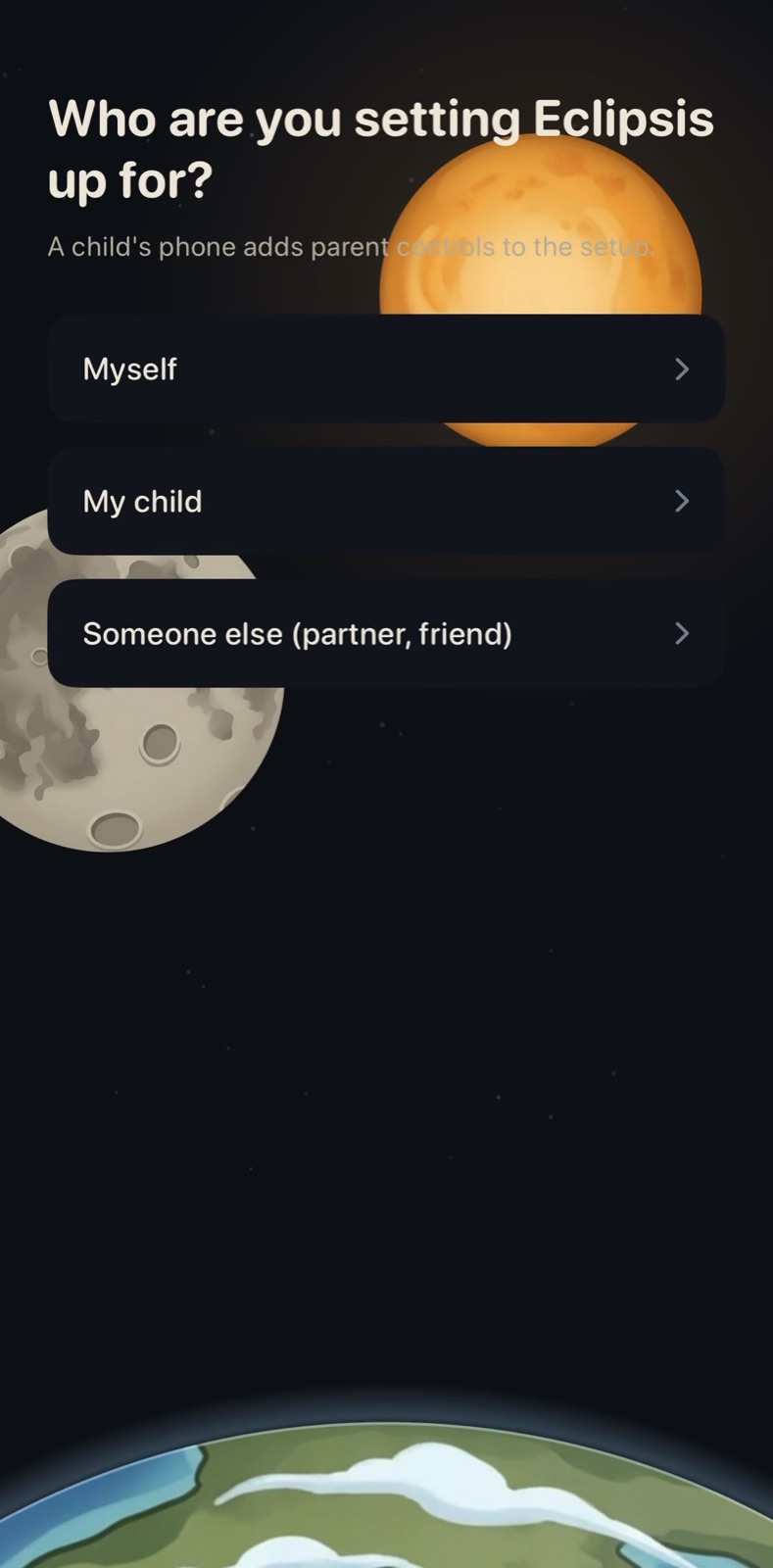
Set Up Eclipsis for Yourself
Five minutes, nine screens. Everything can be changed later under Customize.
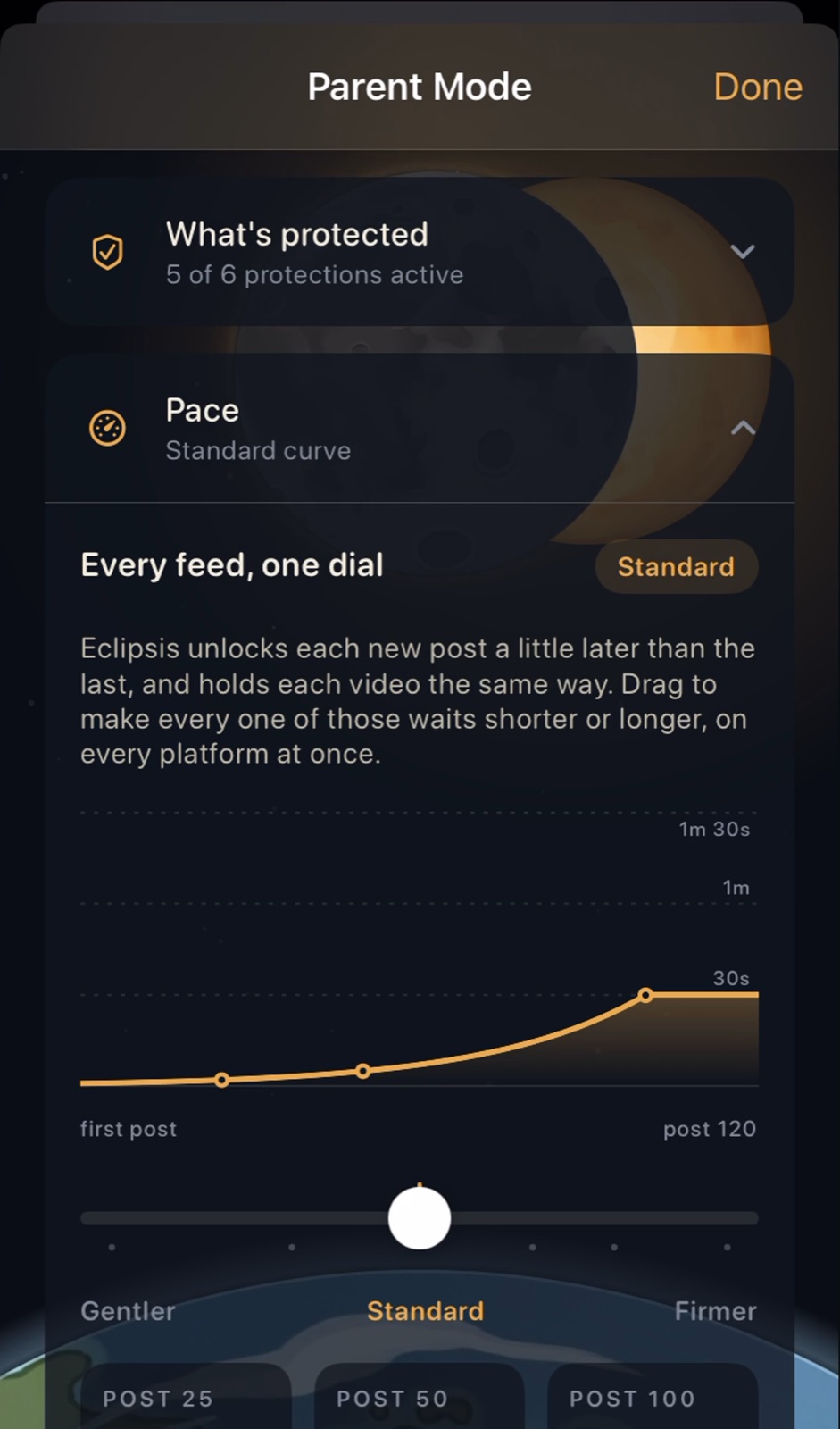
Set Up Eclipsis for Your Child
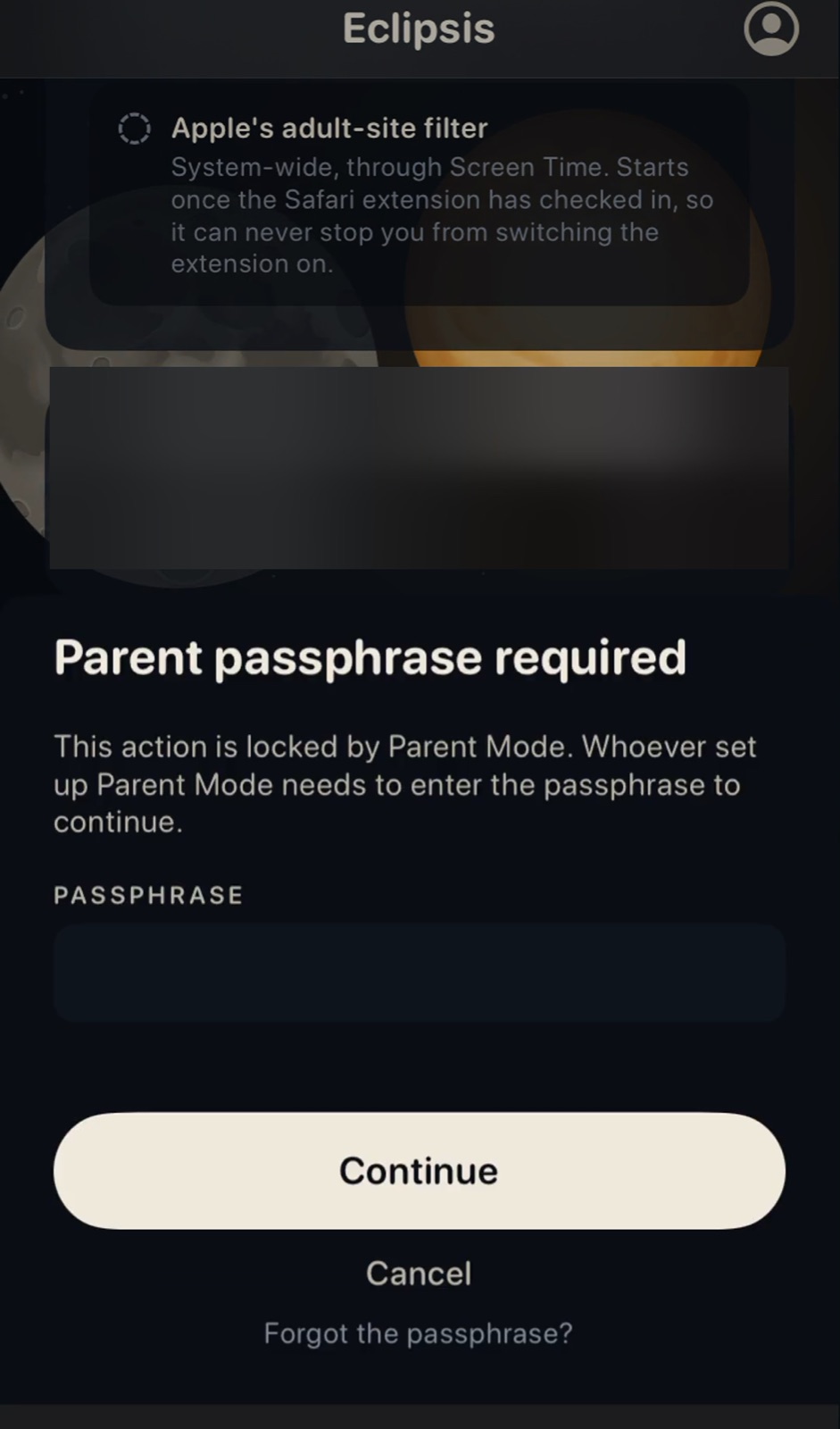
On their phone, in person. A passphrase only you know, then the controls that make it hold.
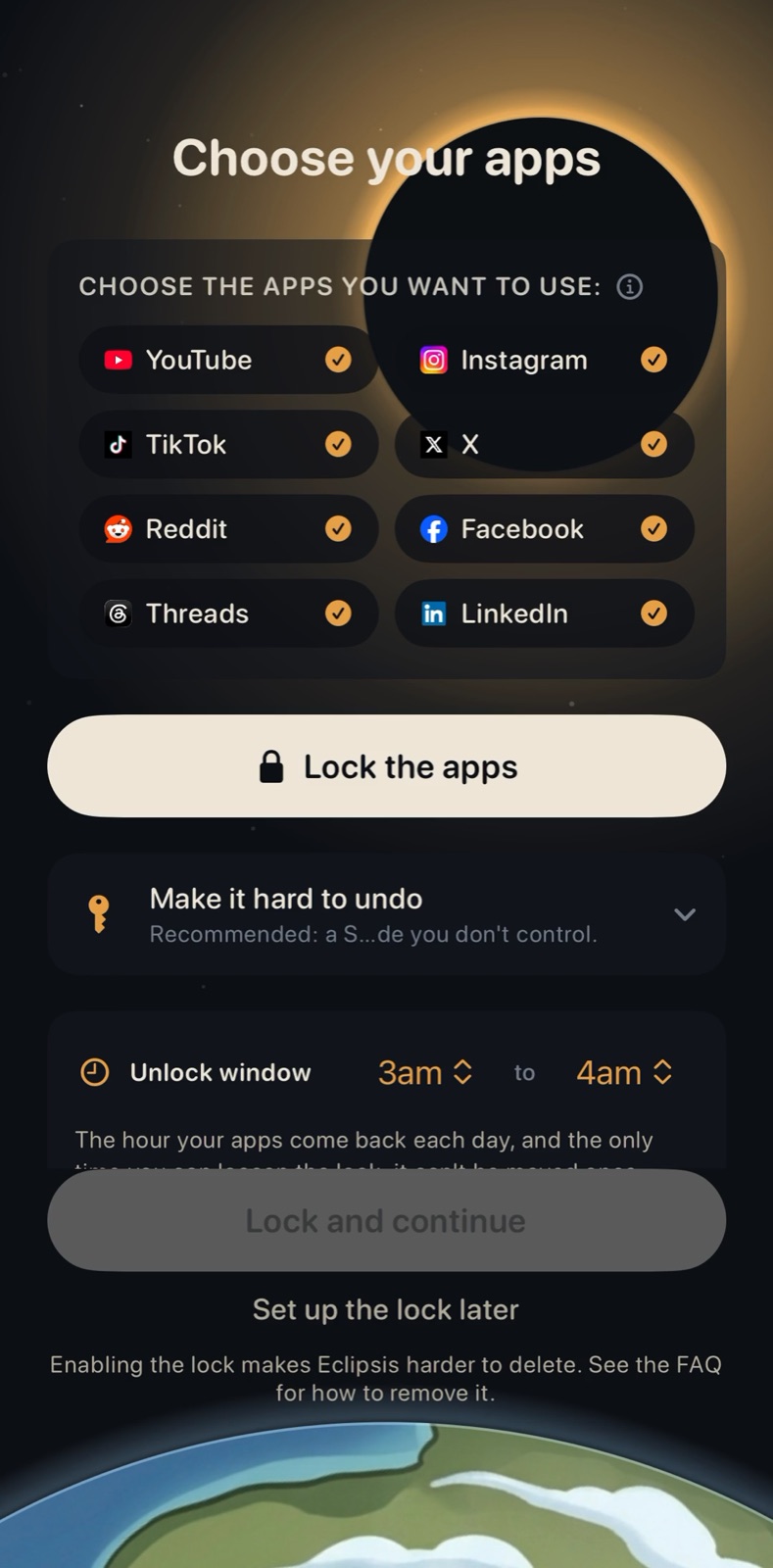
Screen Time Limits That Actually Stick on iPhone
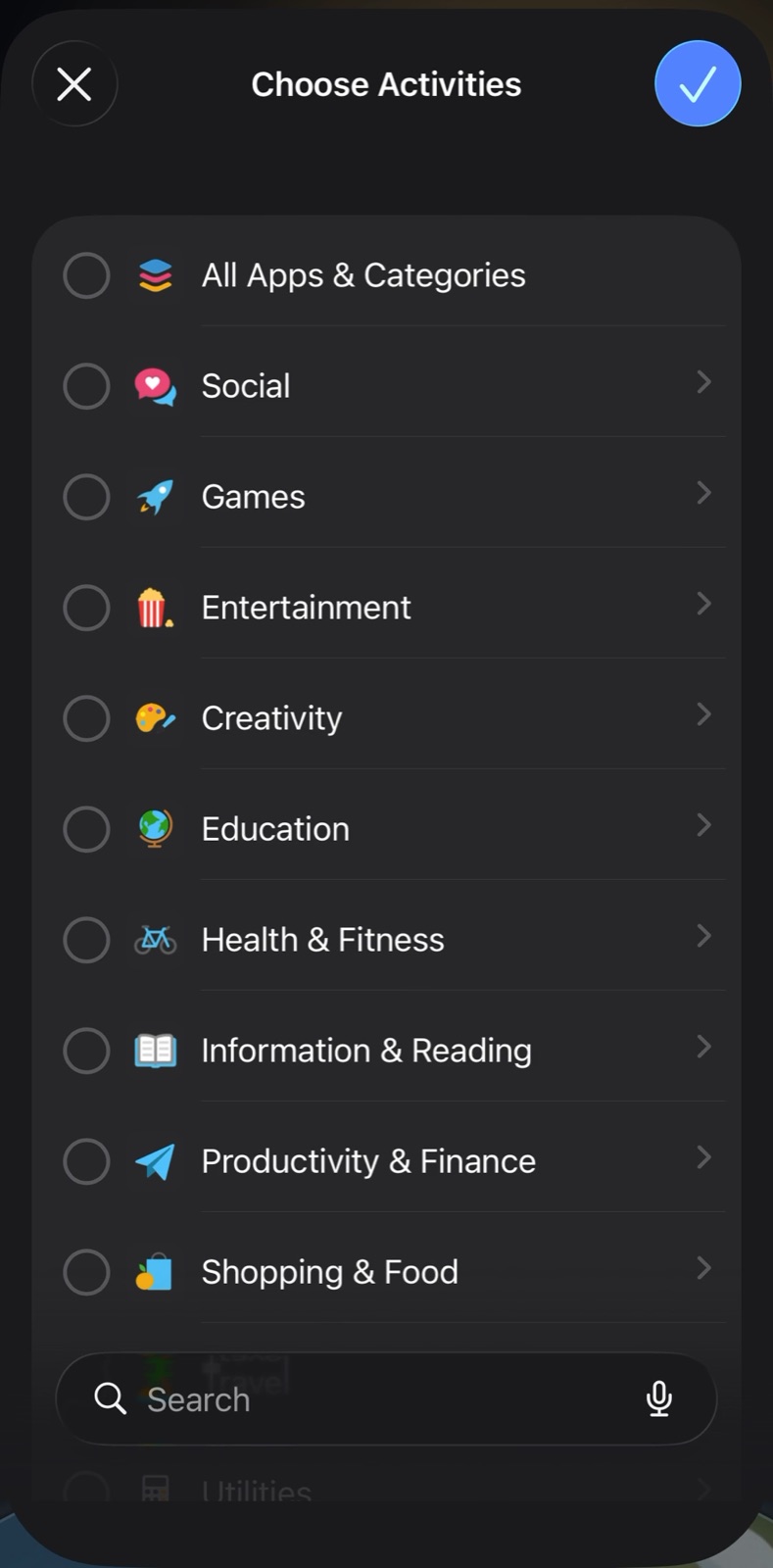
Pick the apps, let a friend hold the passcode, and the apps vanish until your daily window.
Quieter feeds
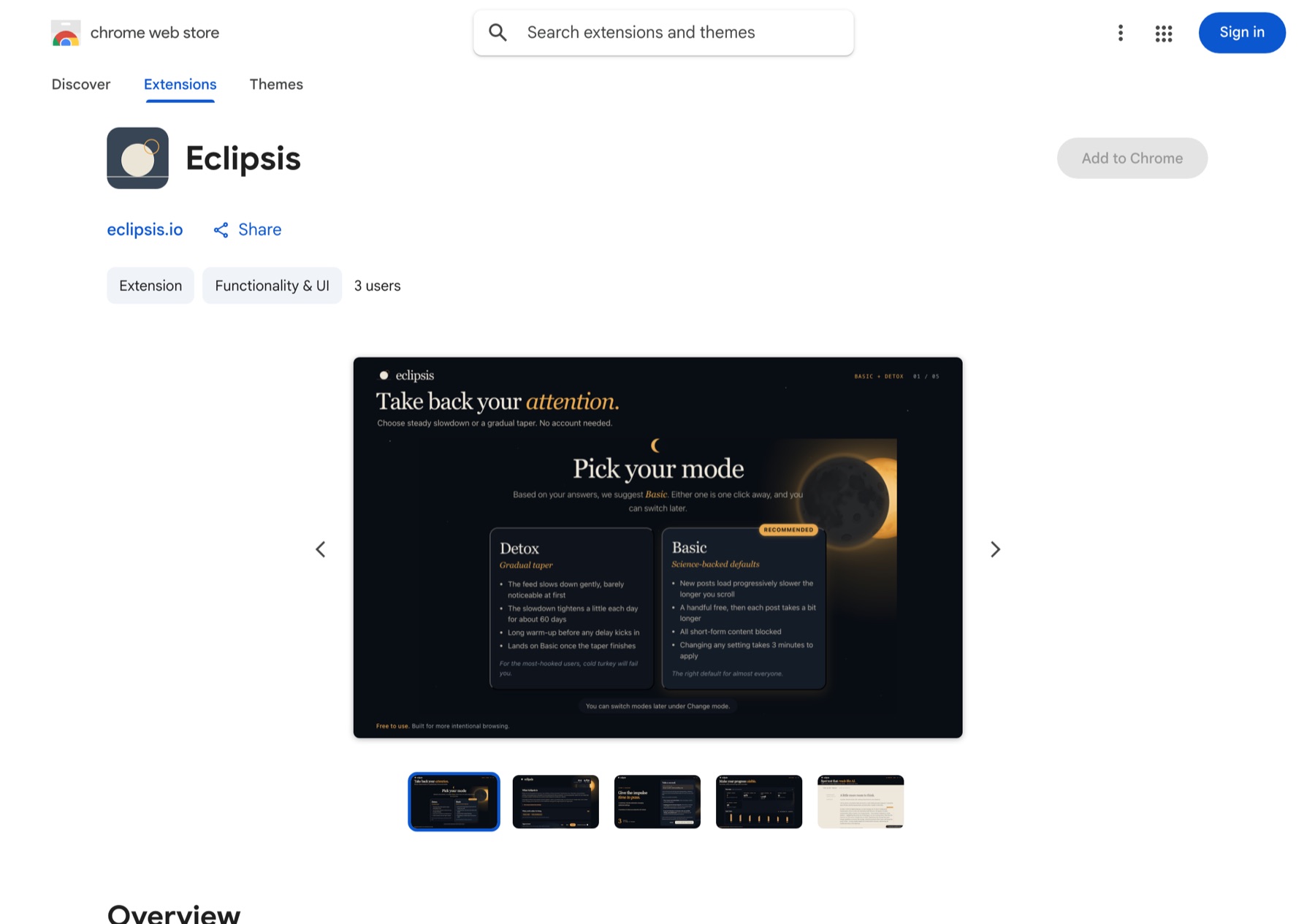
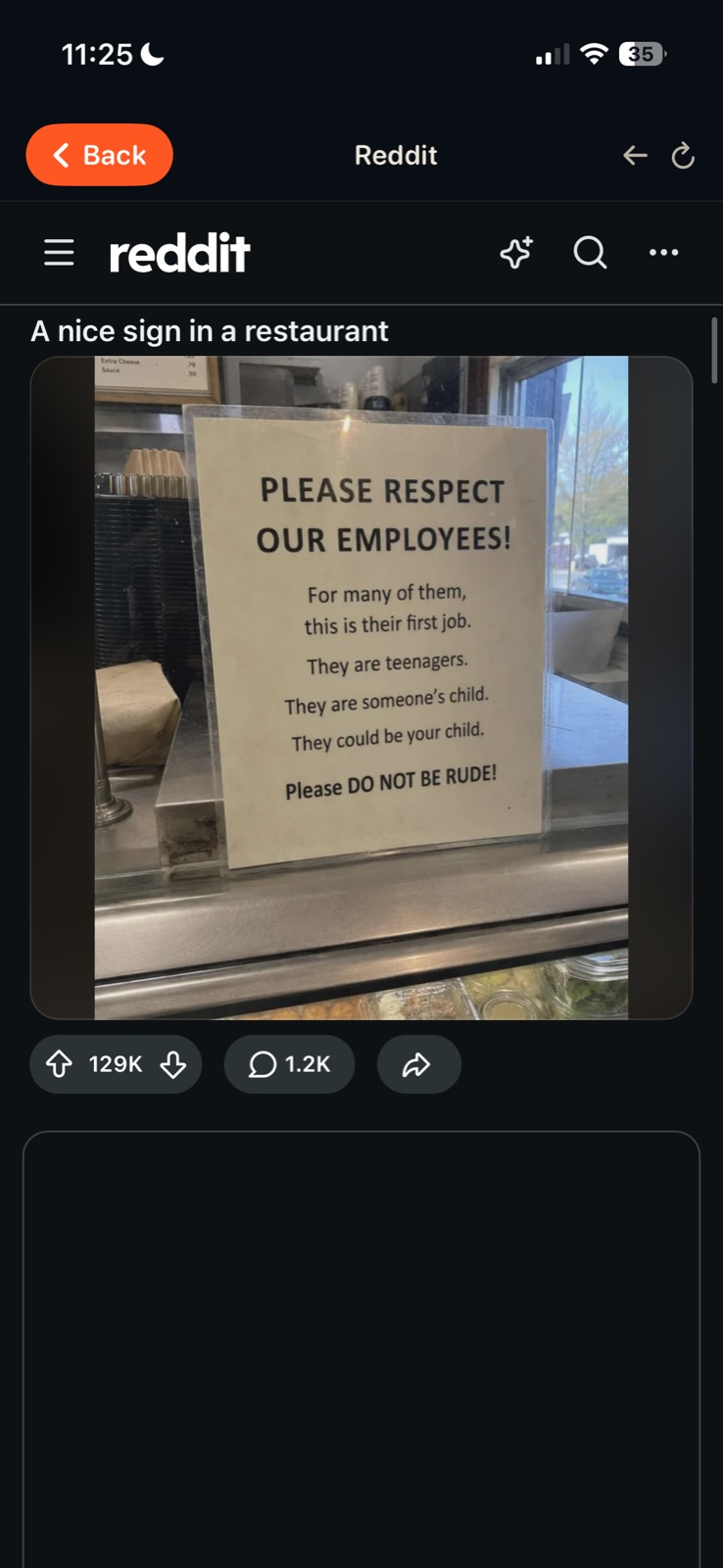
Before and after, one site at a time, and how Eclipsis compares with the blockers.
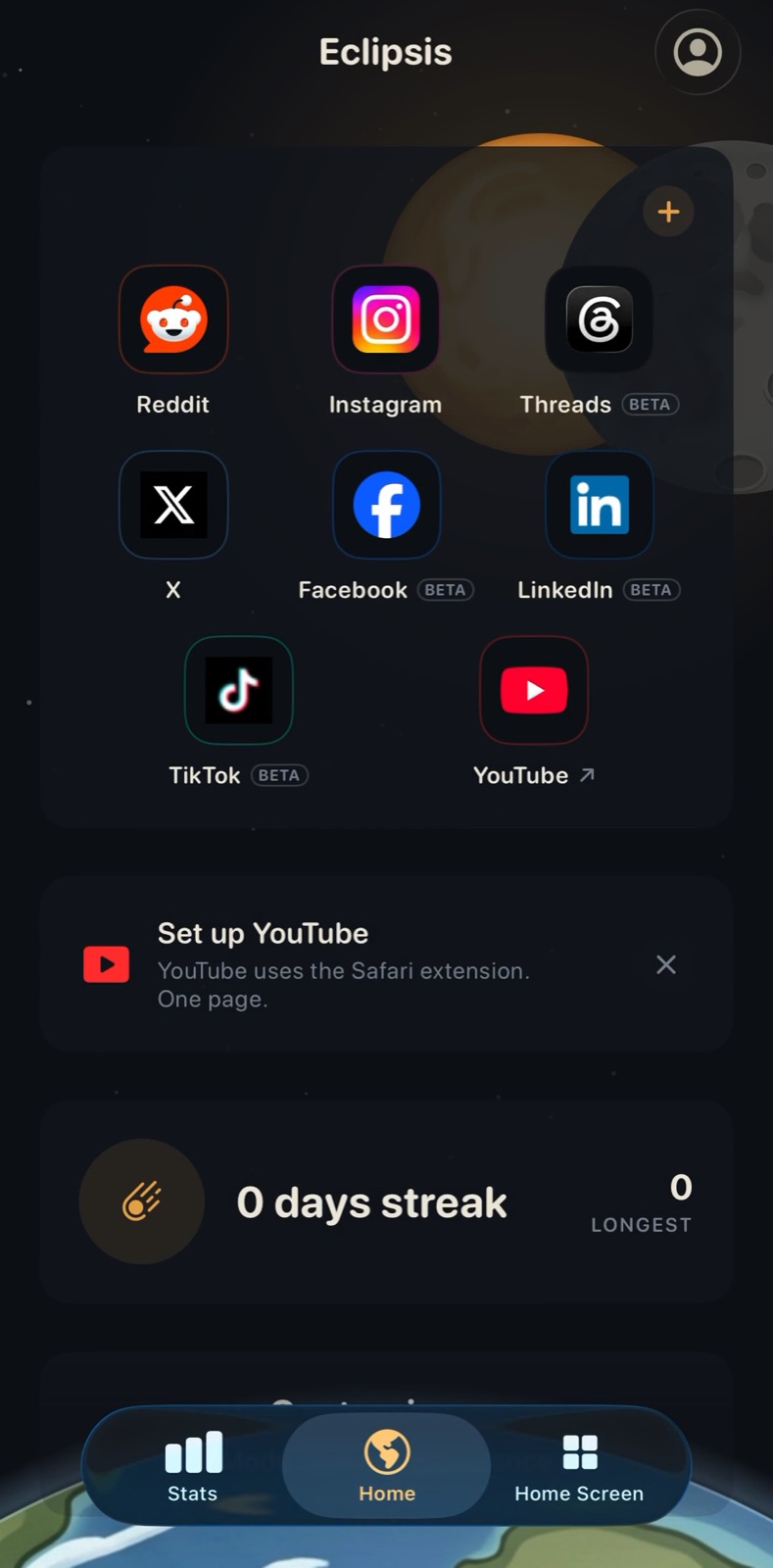
Troubleshooting
The four things people actually get stuck on, and the way out of each.
Eclipsis in six facts
- What it isAn app and browser extension that makes social media feeds less addictive by changing what is inside the feed, not by blocking the app.
- WhereiPhone and iPad app with a Safari extension; free extensions for Chrome and Firefox.
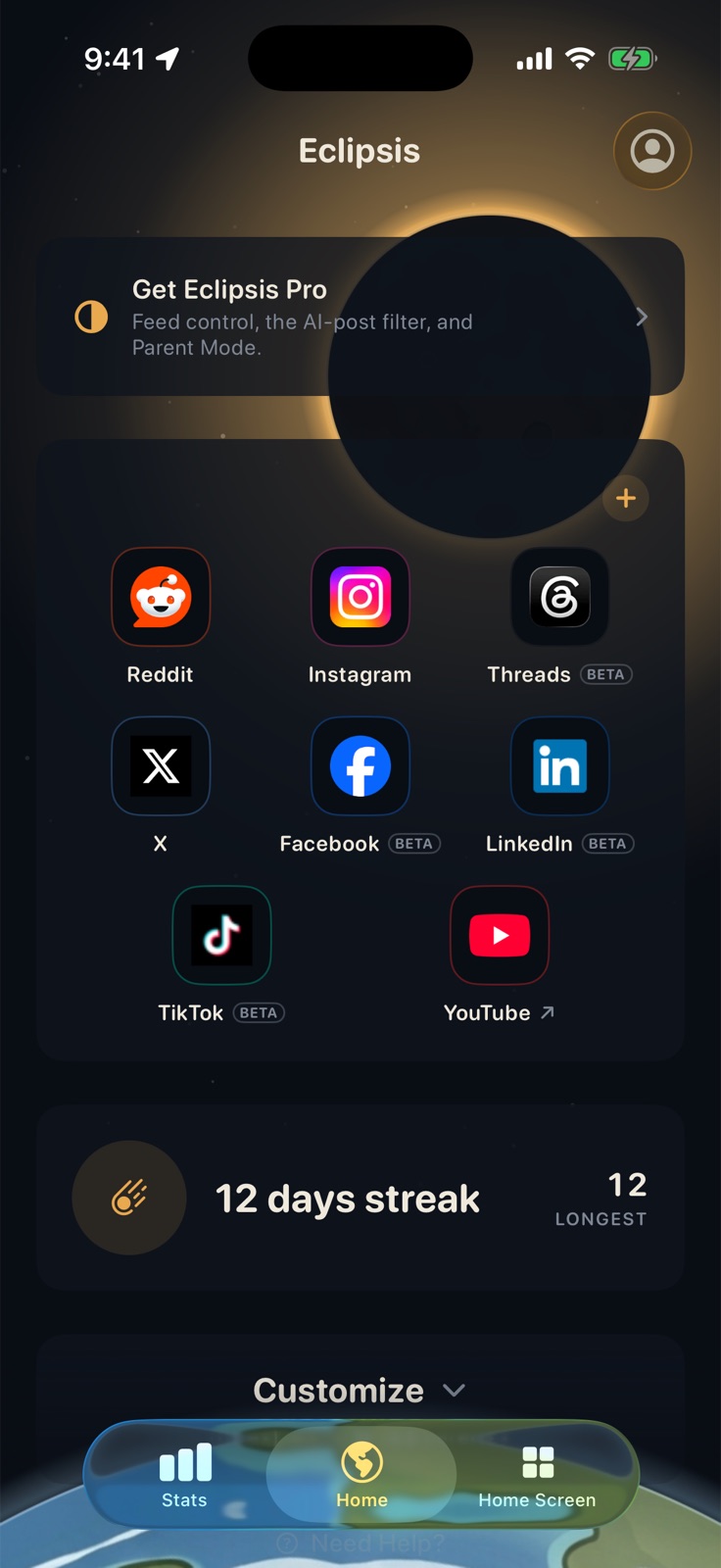
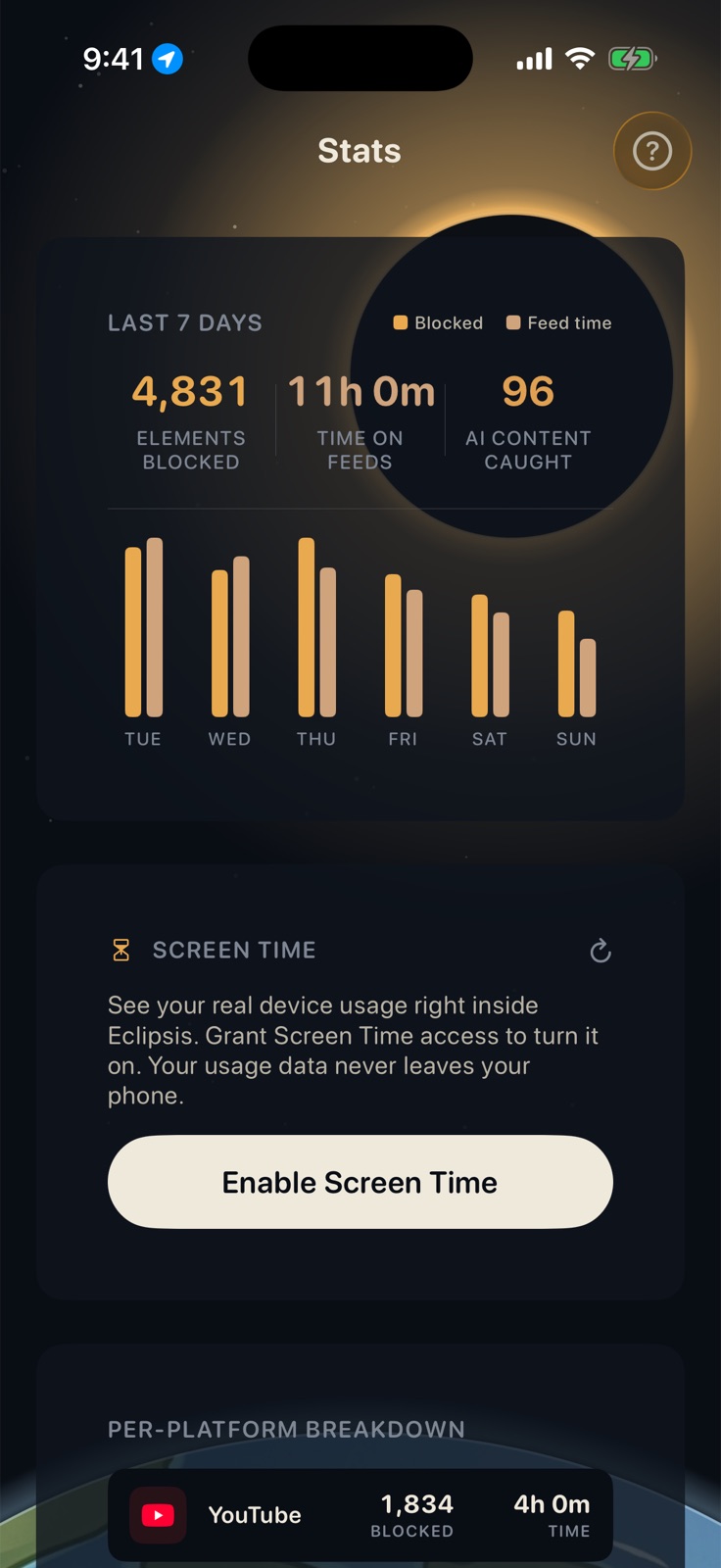
- FreeFeed cleanup (Shorts, Reels, recommendation shelves, nags), the Screen Time app lock, widgets and stats. The desktop extension is entirely free.
- Eclipsis ProThe slowdown that makes feeds run out, the AI feed filter and Parent Mode: $3.99 a month or $29.99 a year, with an introductory offer for eligible subscribers.
- PrivacyNo ads, no analytics, no trackers. Blocking, browsing and usage stats stay on the device.
- Platforms coveredYouTube, Reddit, Instagram, X, Threads, Facebook, LinkedIn and TikTok.