Troubleshooting · iPhone · updated 2026-10-02
I locked every app
by mistake.
A category checkbox in Apple's picker selects everything inside it. Here is the way back, in order.
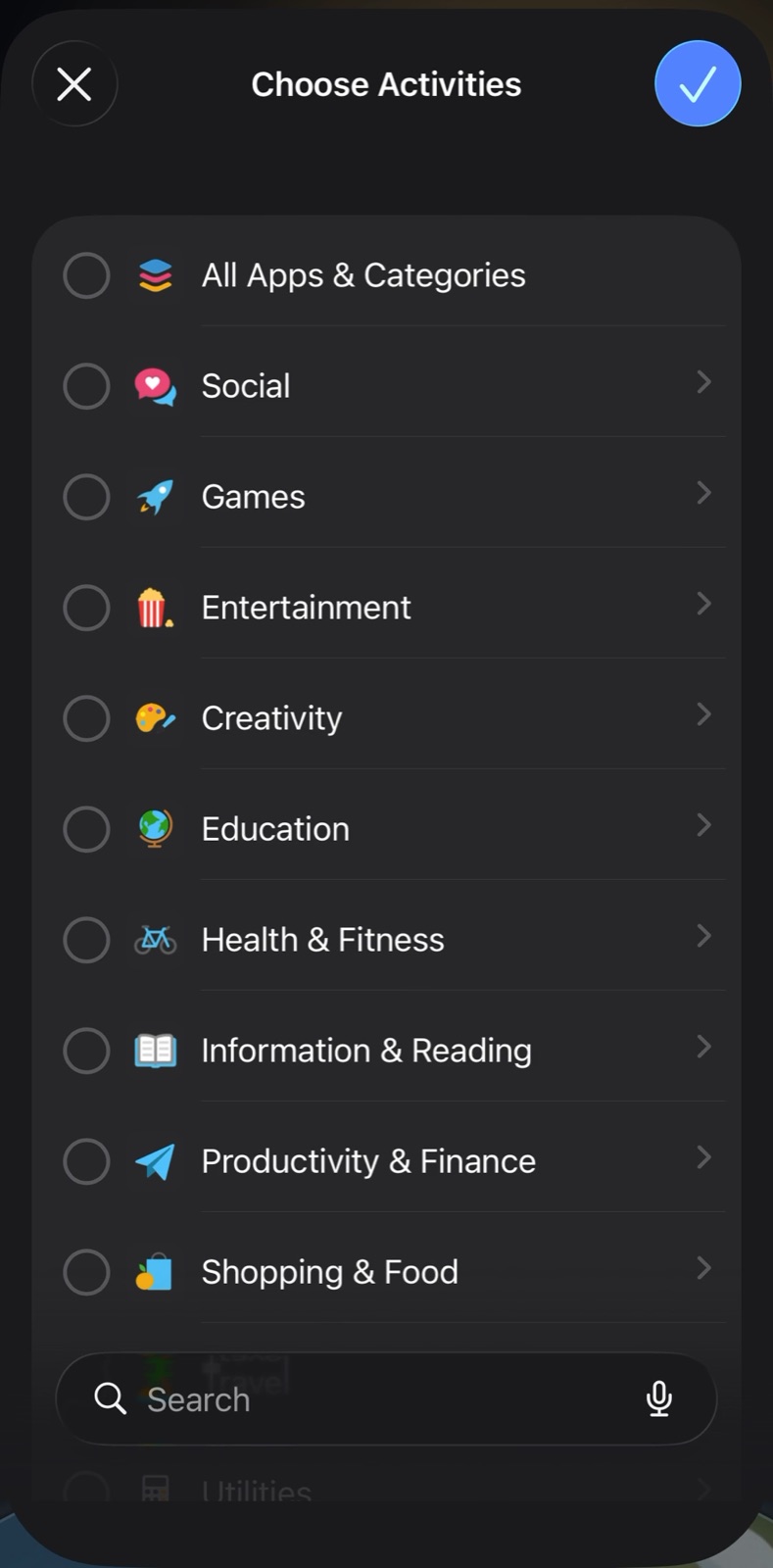
01
The cause: the top row and each category row select every app inside them.
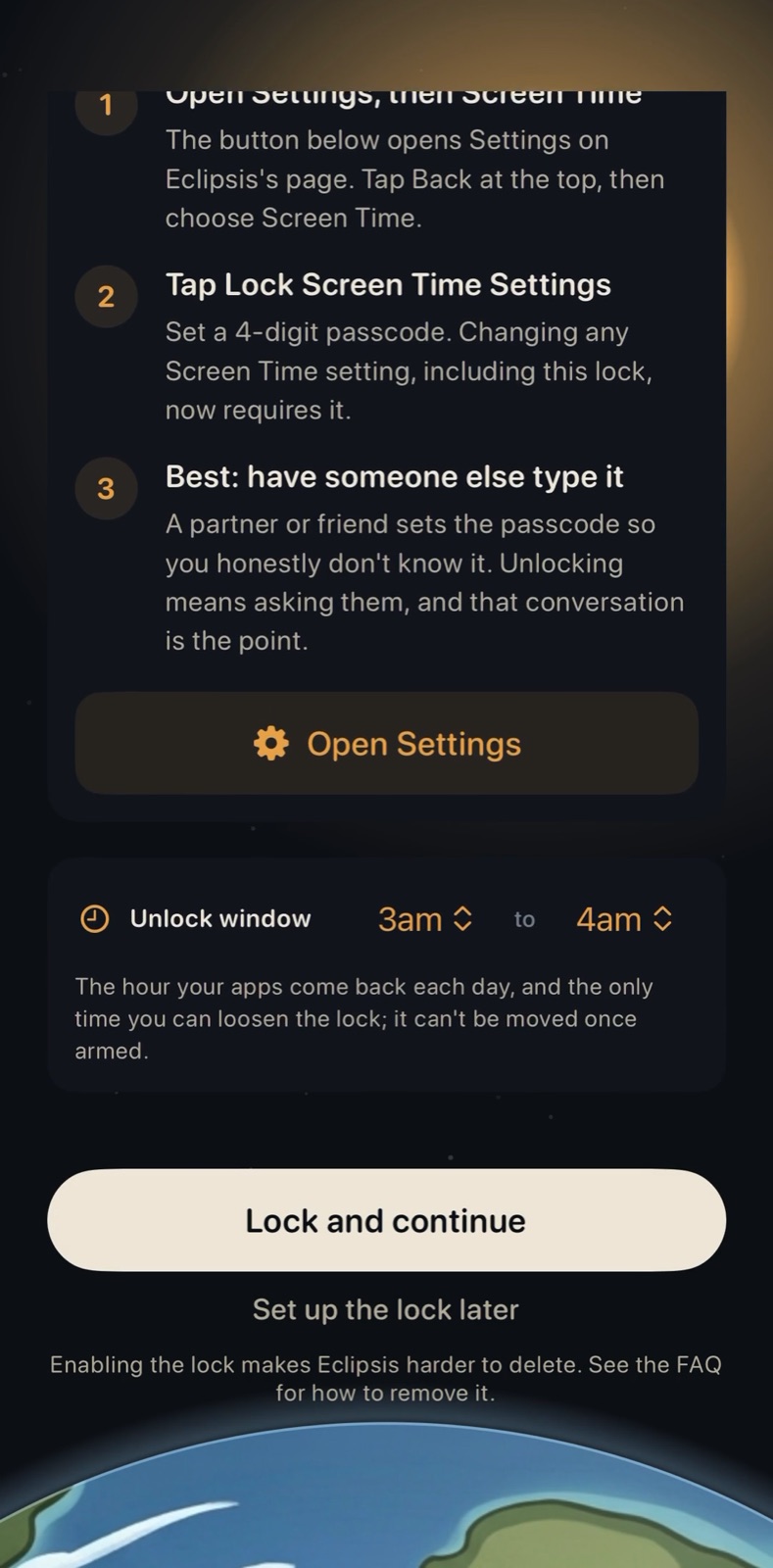
02
Easiest: wait for your daily window. Apps return, and Eclipsis lets you edit the list.
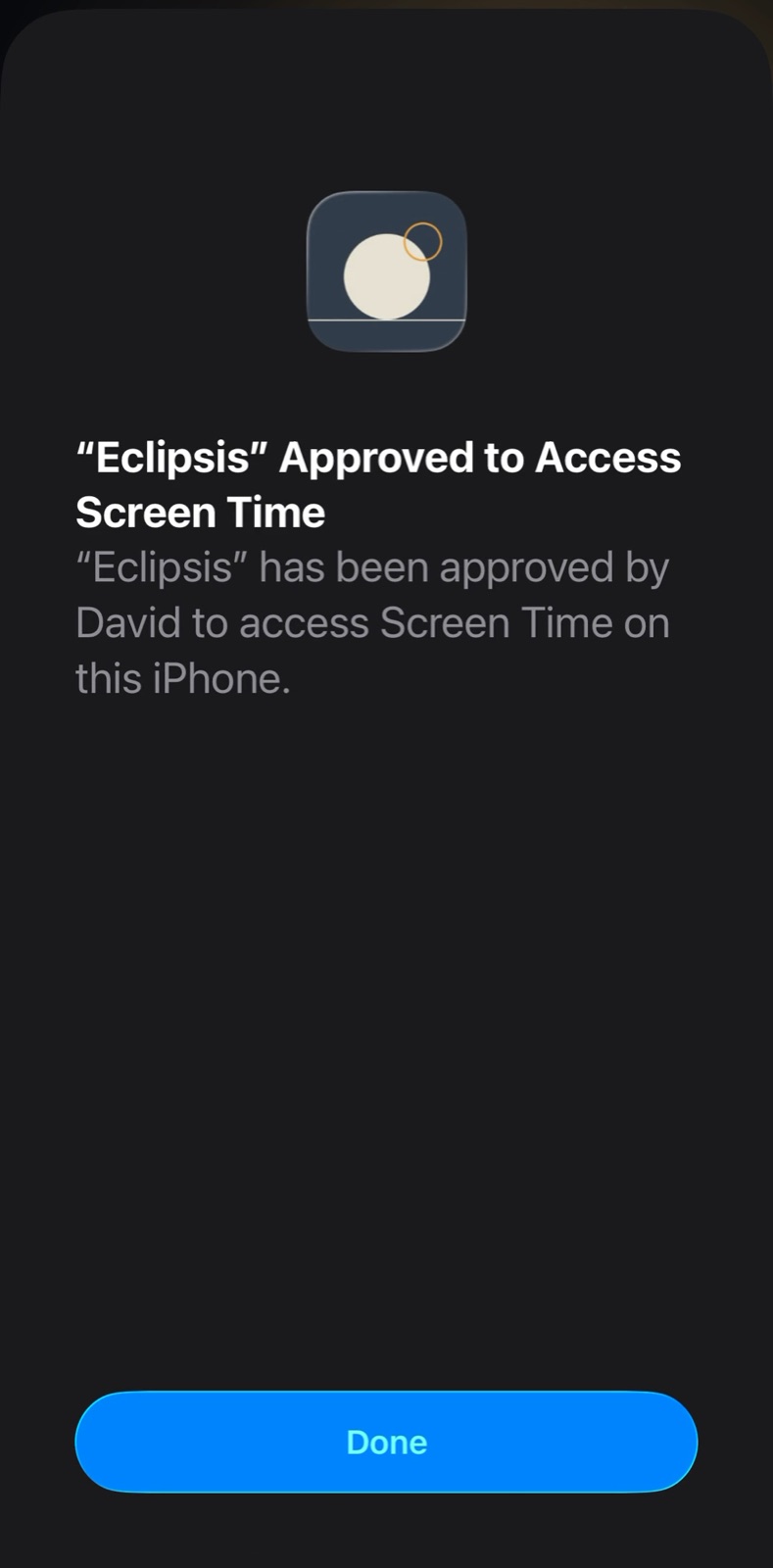
03
Right now: Settings, Screen Time, Eclipsis, turn off its access. The lock lifts at once.
Get Eclipsis. Free on the App Store. The slowdown and Parent Mode are Eclipsis Pro.
Get the iPhone appQuestions
- Nothing essential is gone, right?
- Phone and Settings cannot be selected; Apple keeps them out of the picker. Everything else you ticked is hidden, not deleted, and comes back the moment the lock lifts.
- A friend holds the Screen Time passcode.
- Then Settings asks for it before access can be turned off. Ask them, or wait for the daily window, where Eclipsis itself lets you remove apps and turn Lockdown off.
- How do I avoid it next time?
- In the picker, open a category with its arrow and tick single apps. Never tick the category row itself unless you mean all of it.
- Parent Mode is on.
- The parent passphrase unlocks editing at any time: Customize, Lockdown Mode, Manage, then Edit locked apps.