Set up · iPhone · updated 2026-10-02
Set up Eclipsis
for your child.
On their phone, in person. A passphrase only you know, then the controls that make it hold.
01
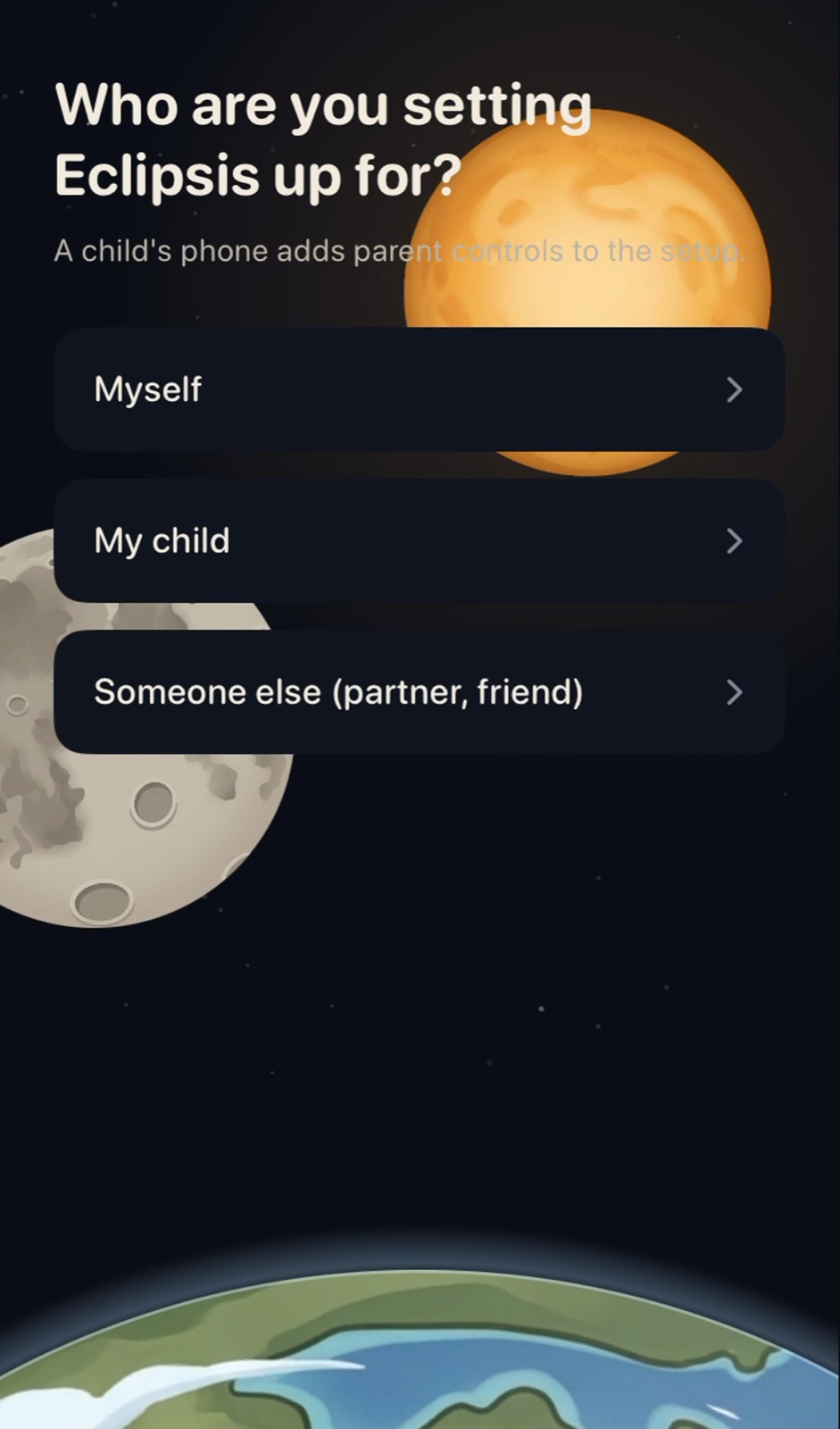
On the child's iPhone, open Eclipsis and choose My child.
02
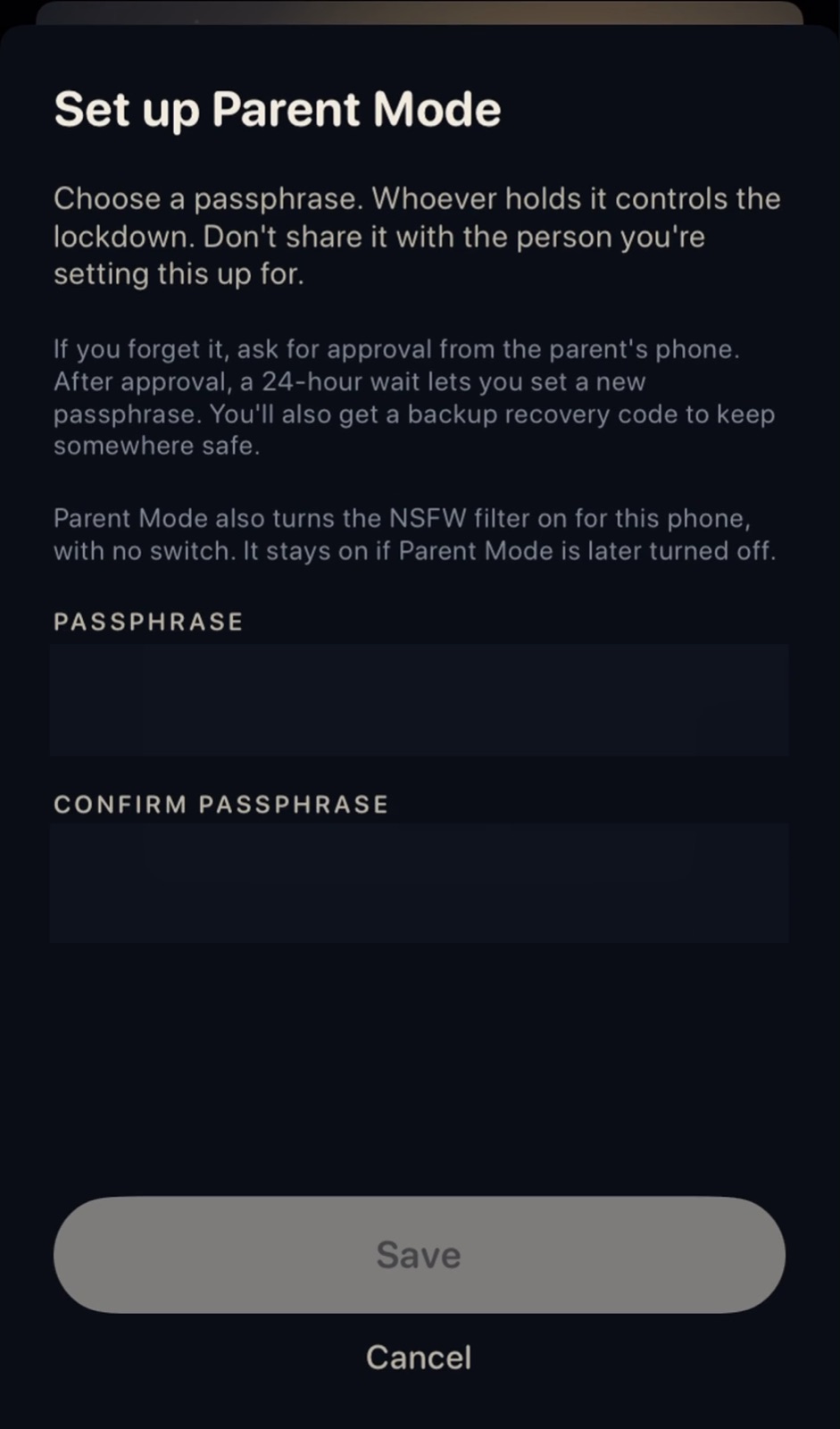
Set a passphrase only you know, and confirm it.
03
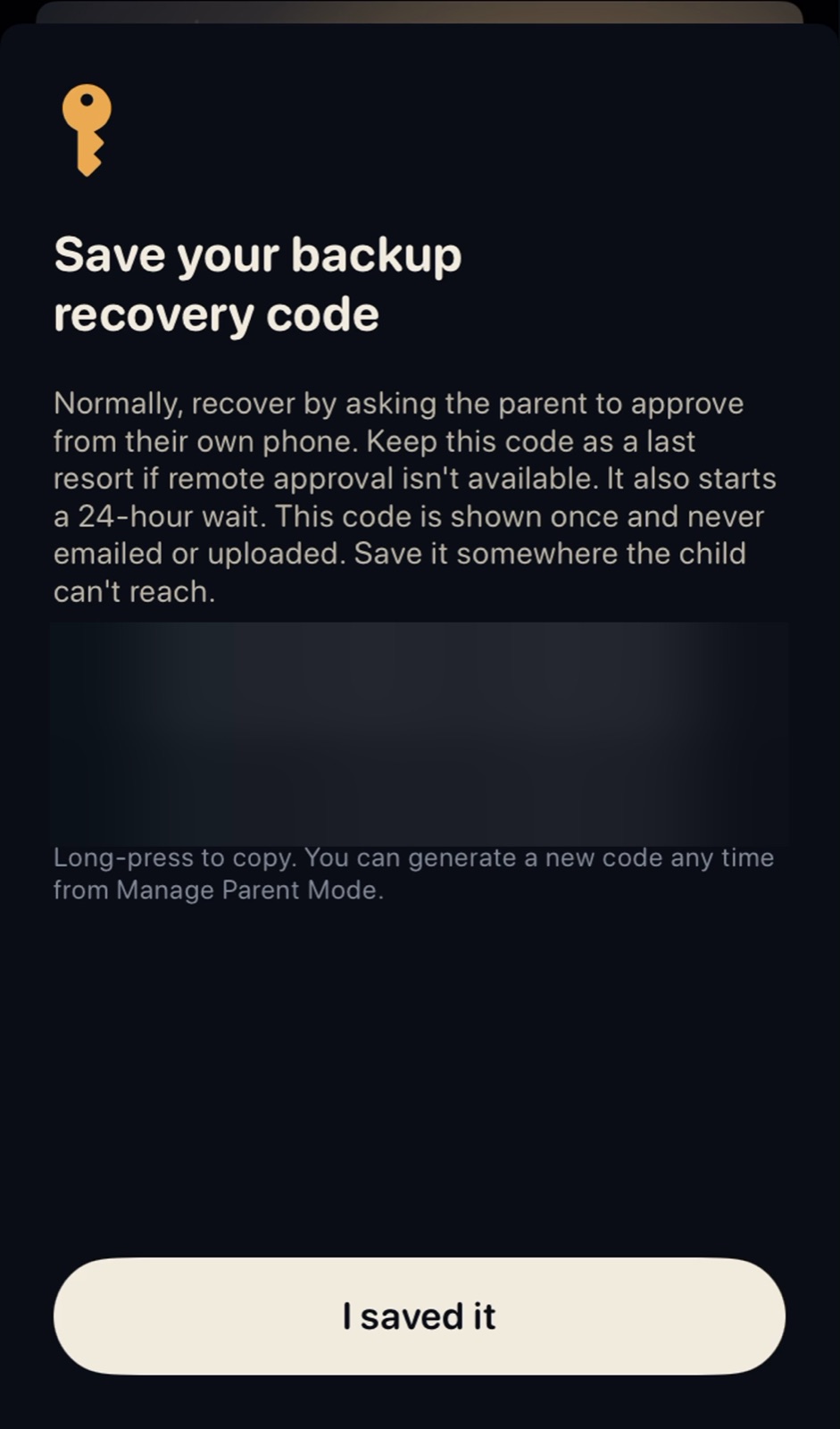
Save the backup code somewhere they cannot reach. It is shown once.
04
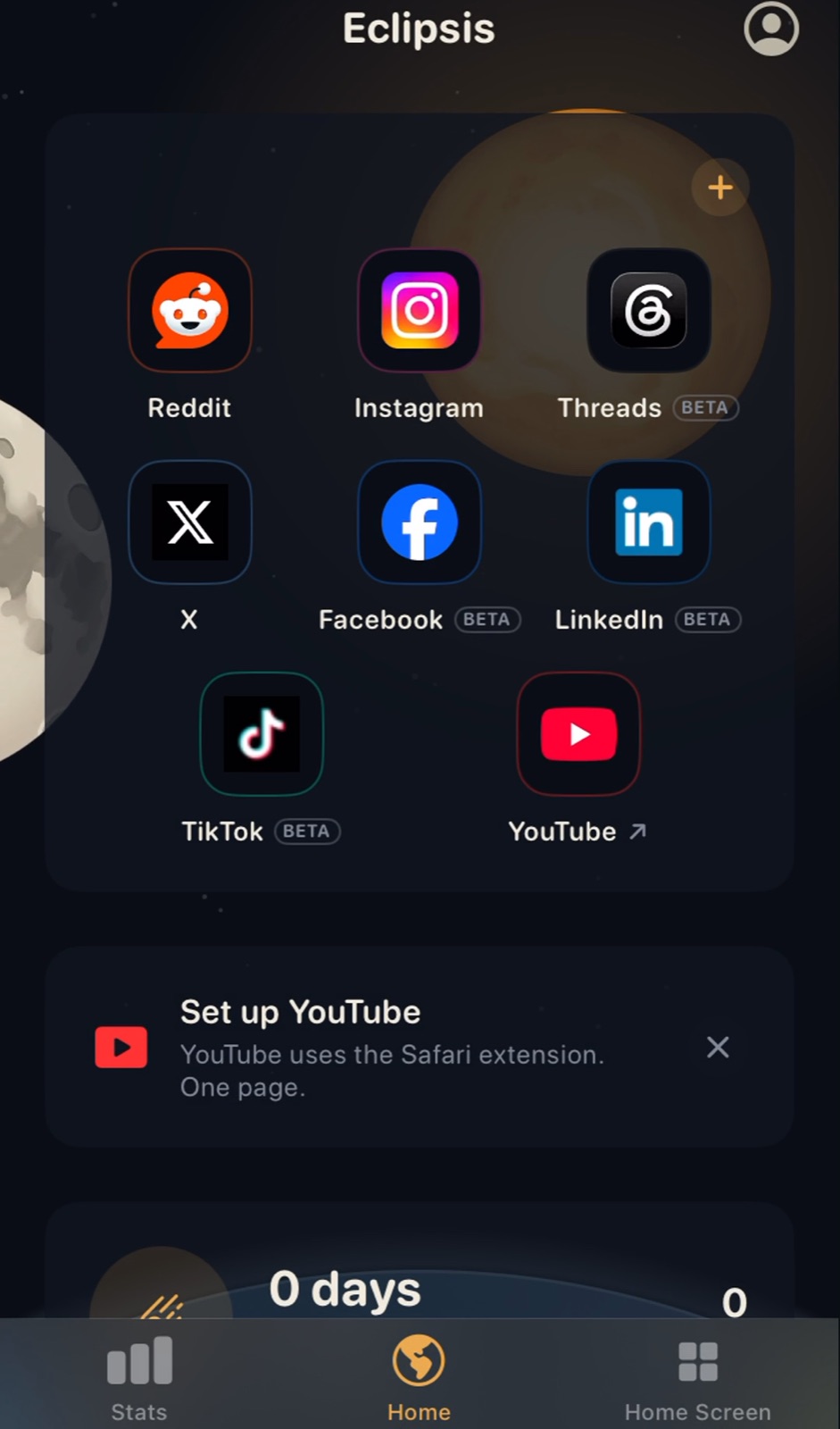
Finish setup. Home shows their feeds; the lock and the extension follow.
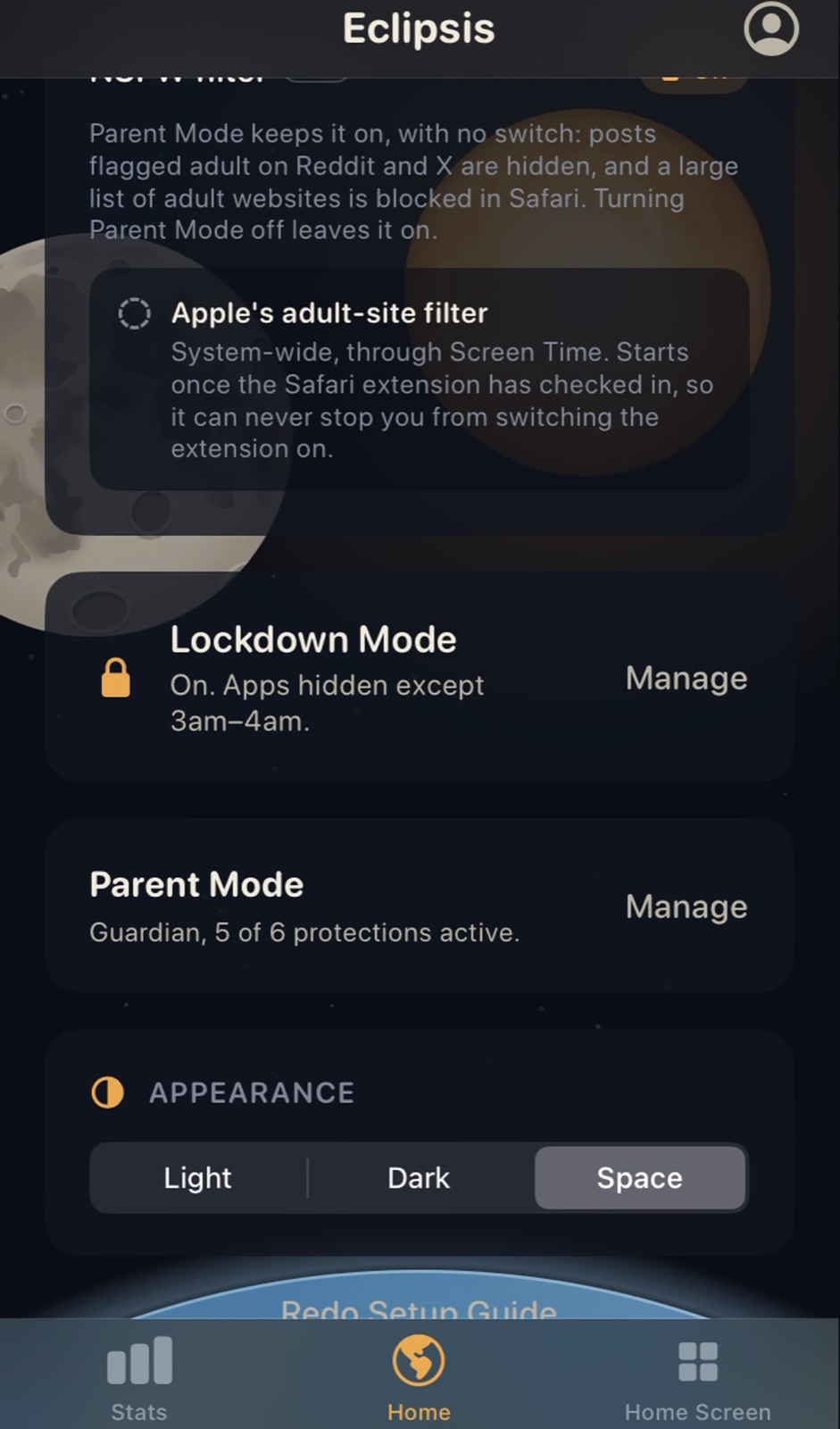
05
Open Customize and tap Manage under Parent Mode.
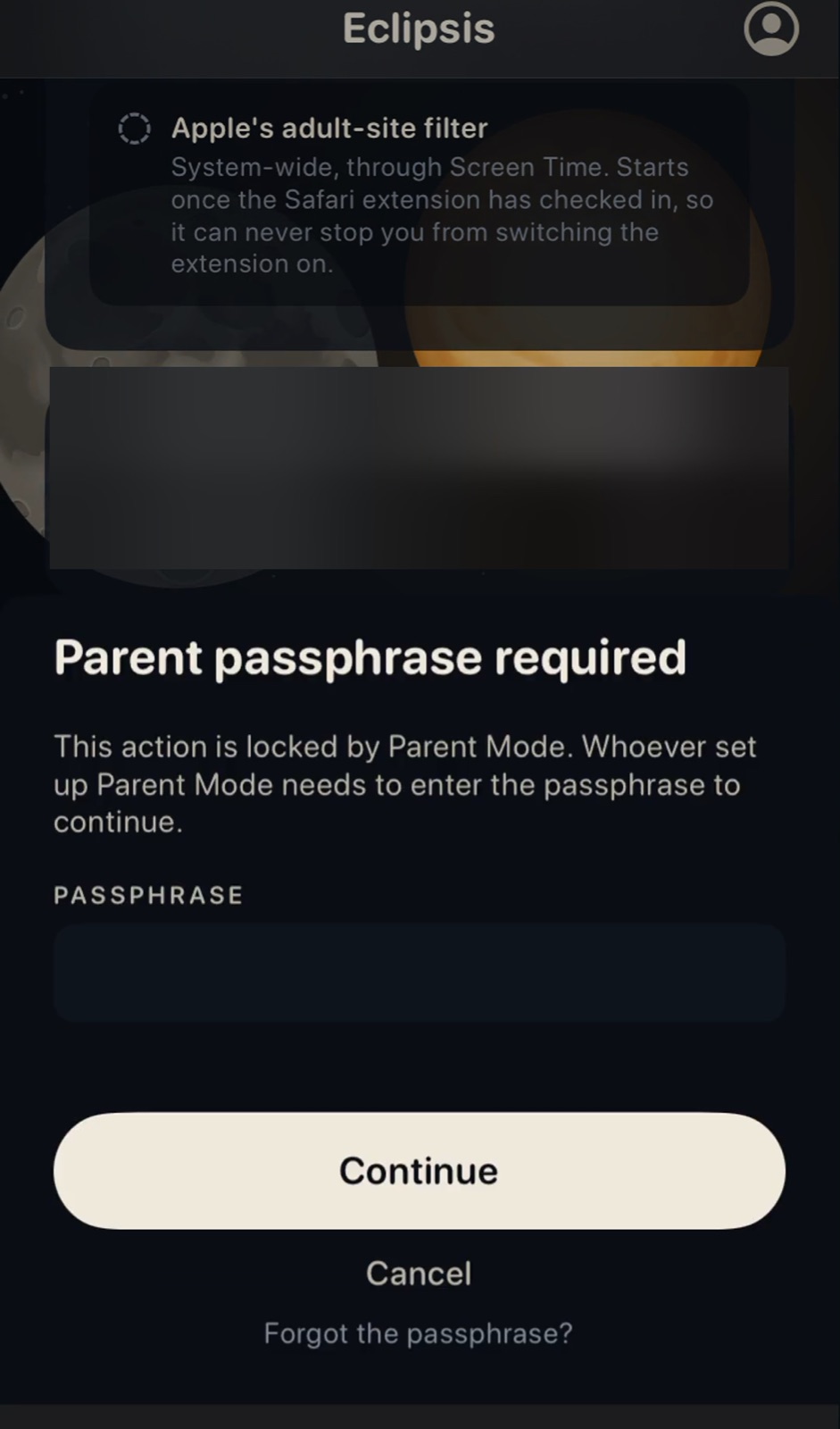
06
Enter your passphrase once at the door.
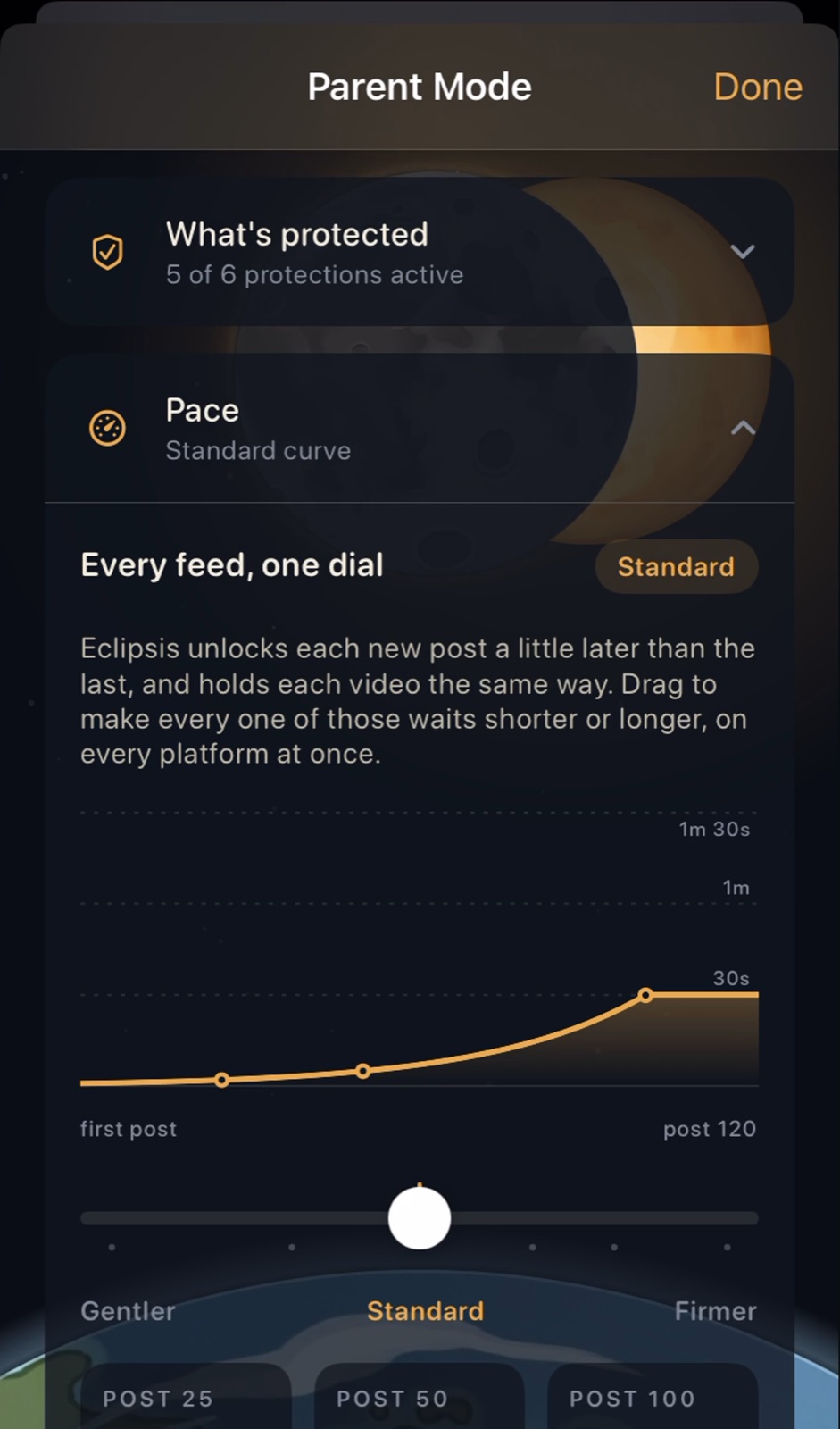
07
Pace: gentler or firmer waits on every feed at once.
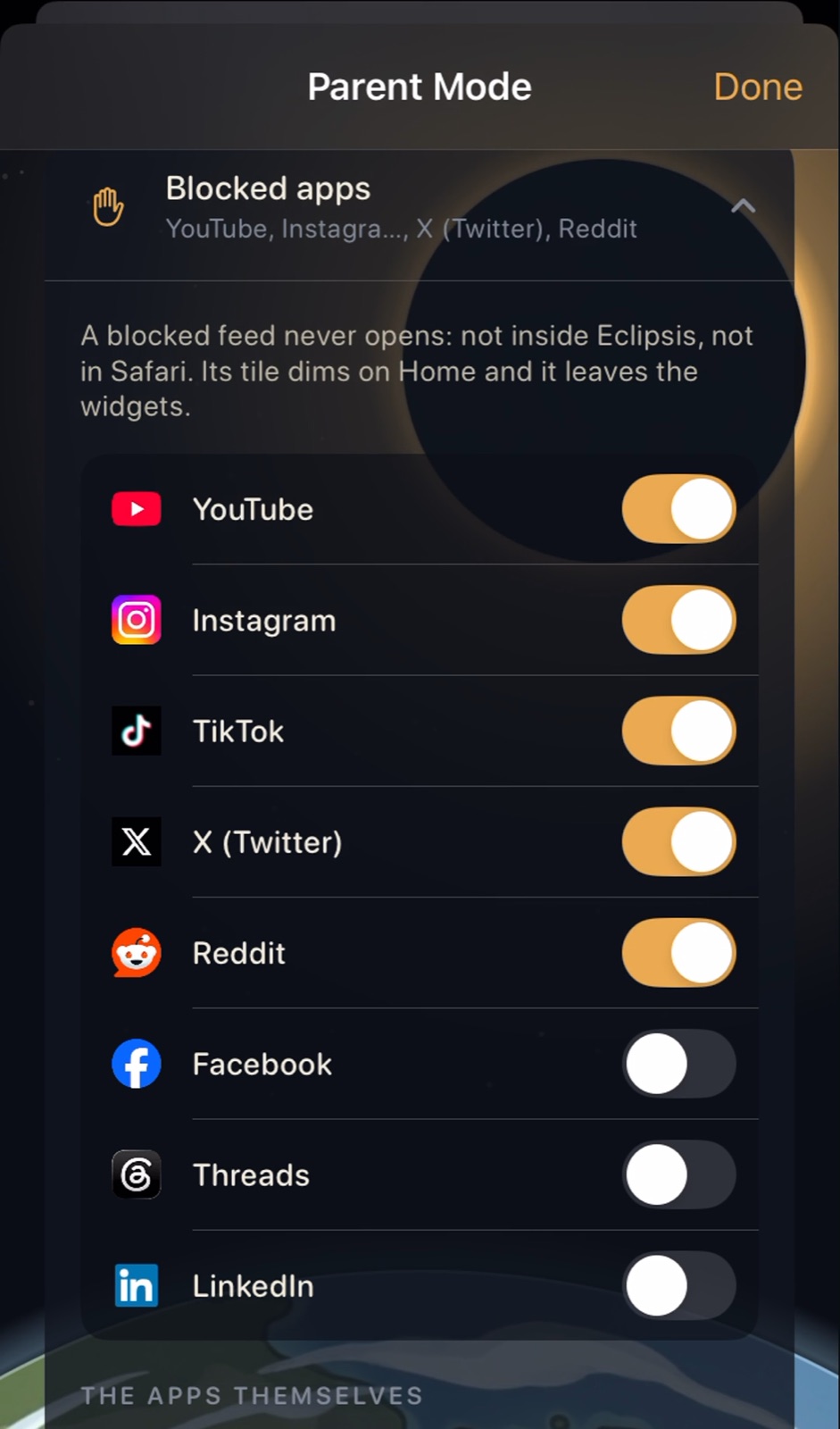
08
Blocked apps: switch a feed off entirely, in Eclipsis and in Safari.
09
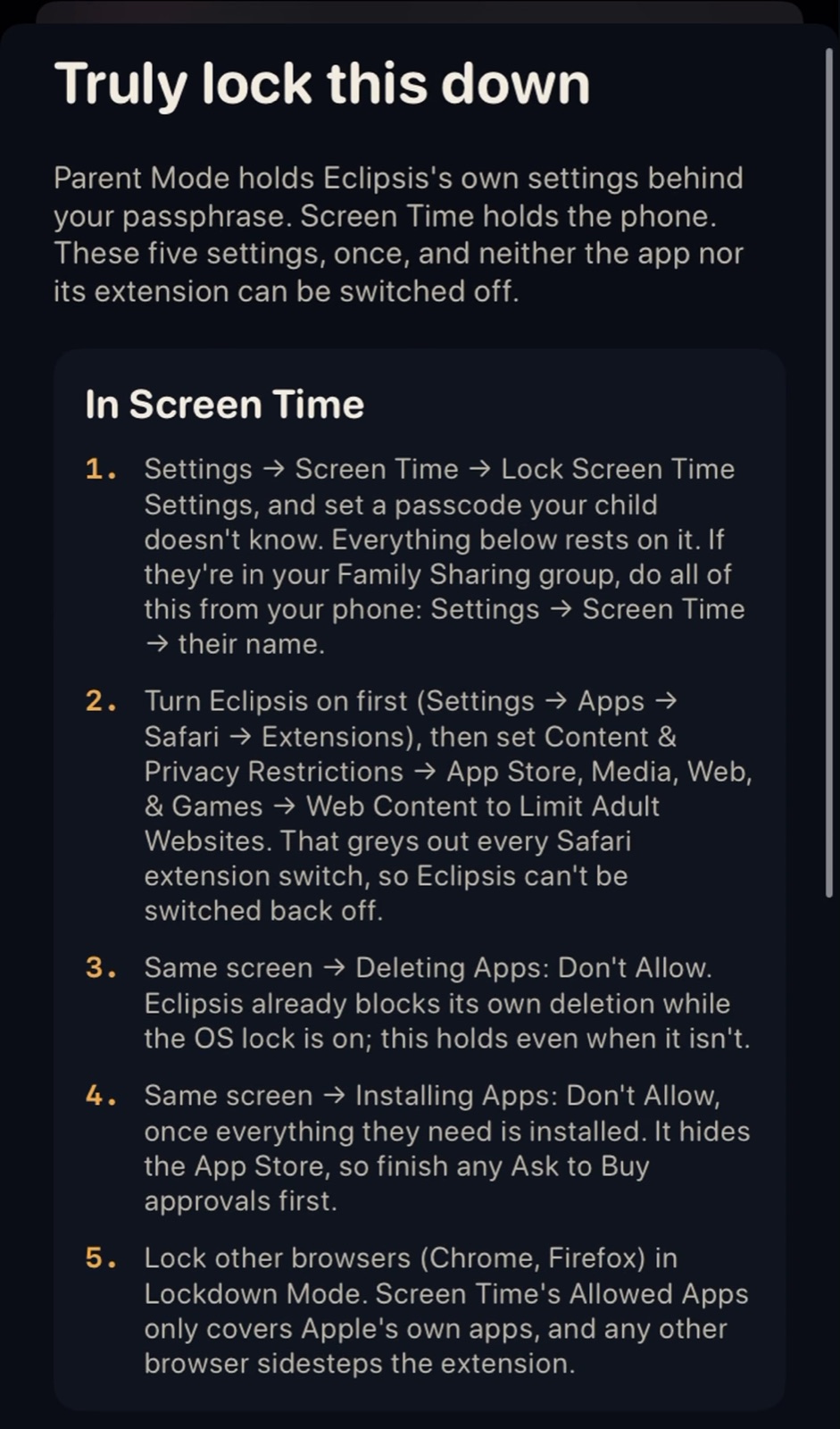
Finish with the Screen Time steps in the OS Lockdown Guide.
Get Eclipsis. Free on the App Store. The slowdown and Parent Mode are Eclipsis Pro.
Get the iPhone appQuestions
- Can my child turn it off?
- Every setting that loosens protection asks for your passphrase. With a child Apple Account in Family Sharing, the system also blocks deleting the app and signing out of iCloud.
- YouTube is missing from their App Store.
- Apps rated above the child's age limit are hidden, and YouTube is one. Turn on Ask to Buy in Family settings, have them request YouTube, and approve it from the message on your phone.
- Can I see what they watch?
- No, by design. Nothing about what they watch leaves the phone. The weekly summary is shown on their phone, behind your passphrase.
- What if I forget the passphrase?
- Ask to approve from your own phone, or use the backup code. Either way a 24-hour wait runs first, which the passphrase cancels.