Set up · iPhone · updated 2026-10-02
Set up Eclipsis
for yourself.
Five minutes, nine screens. Everything can be changed later under Customize.
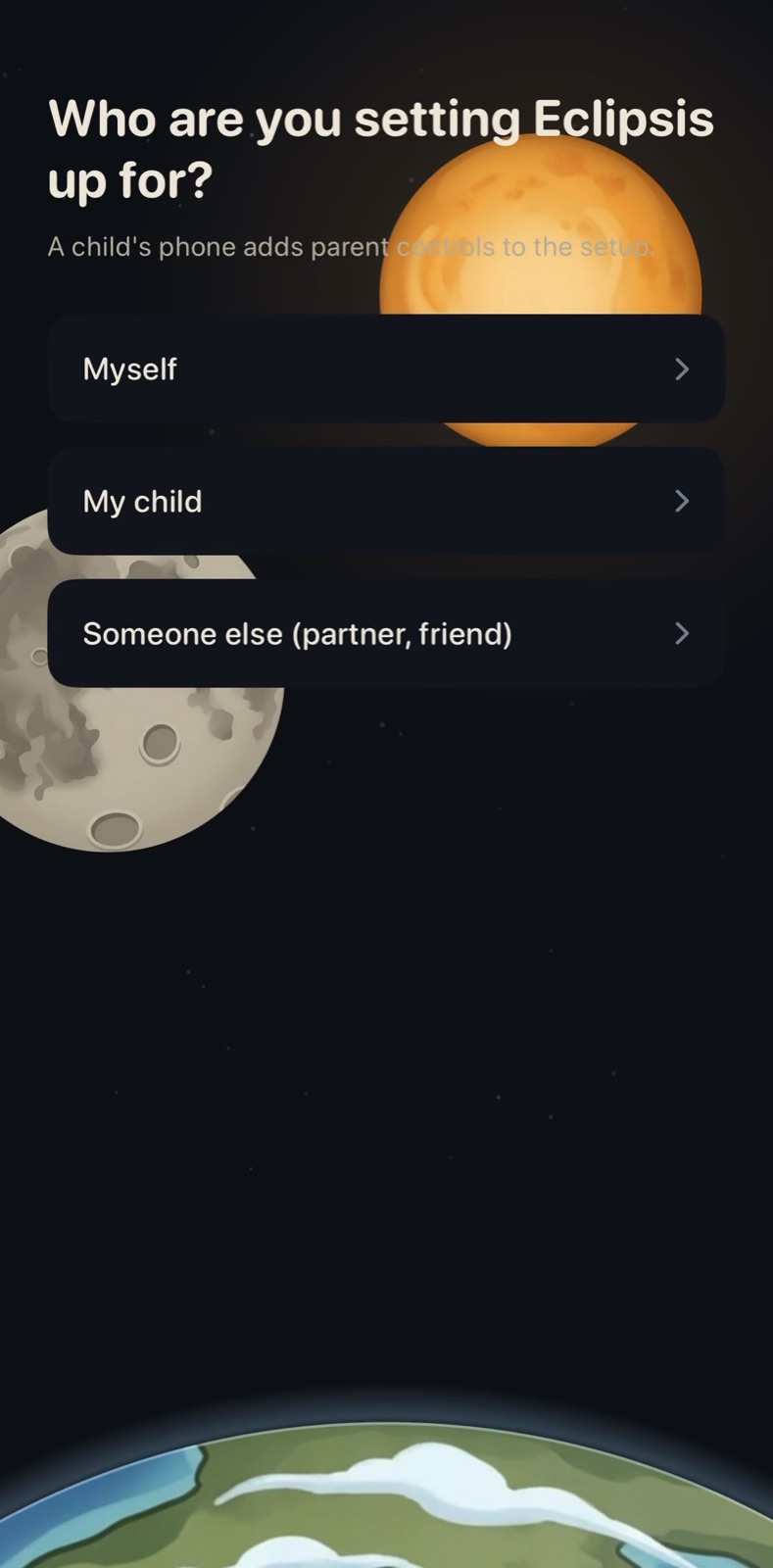
01
Choose Myself.
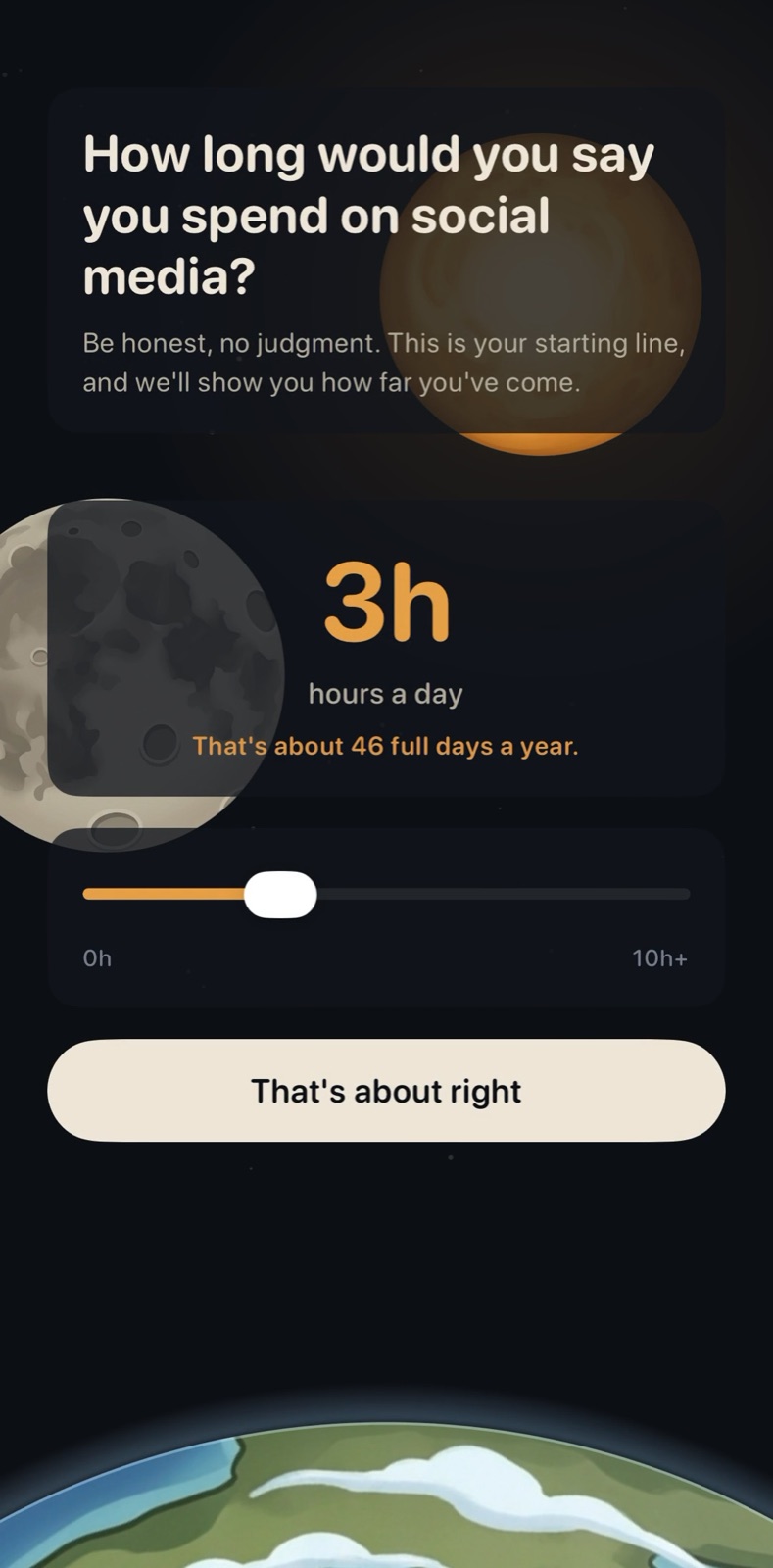
02
Say how long you spend today. Honest beats flattering; it is your baseline.
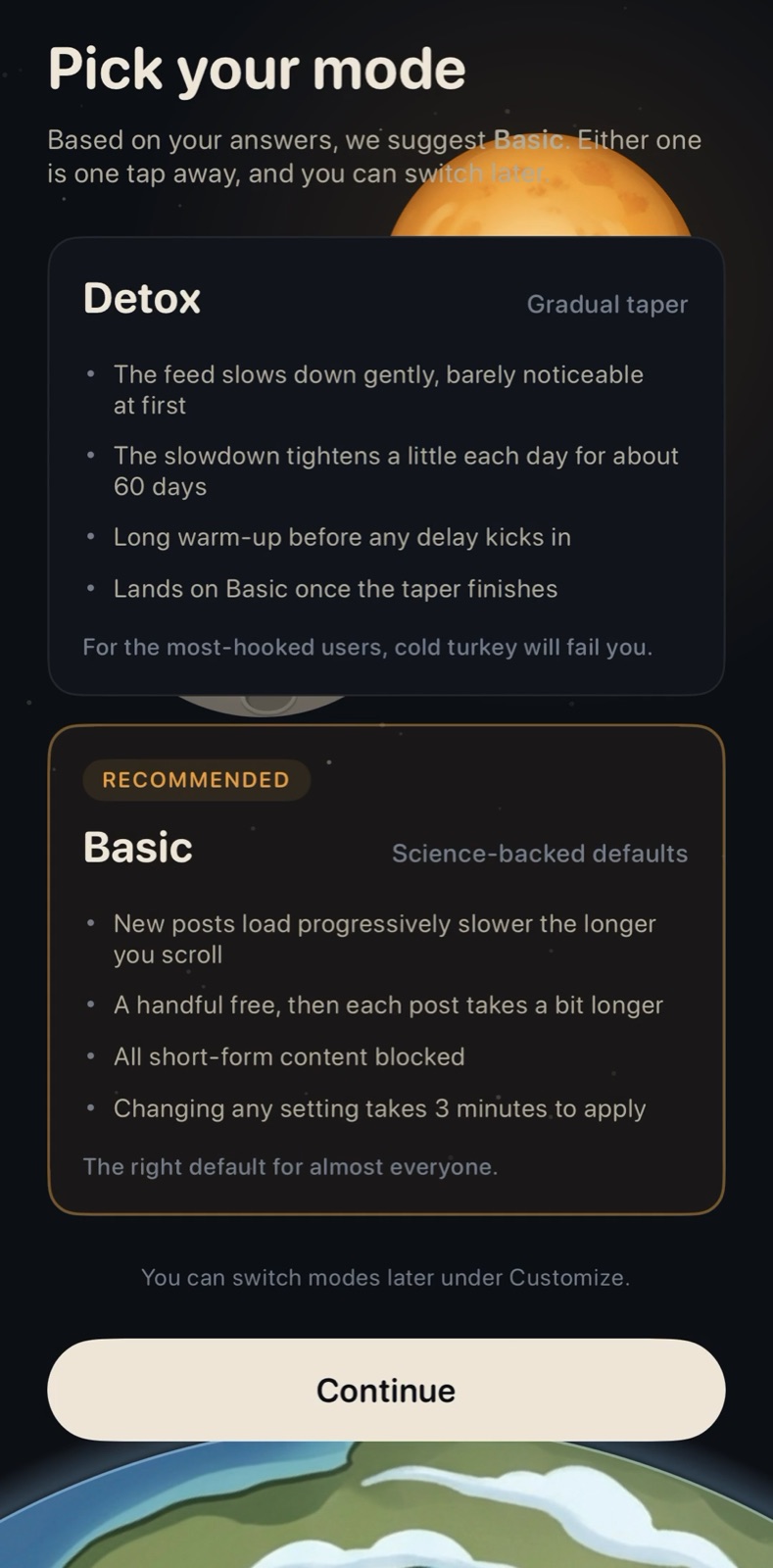
03
Pick a mode. Basic for most people; Detox if cold turkey has failed before.
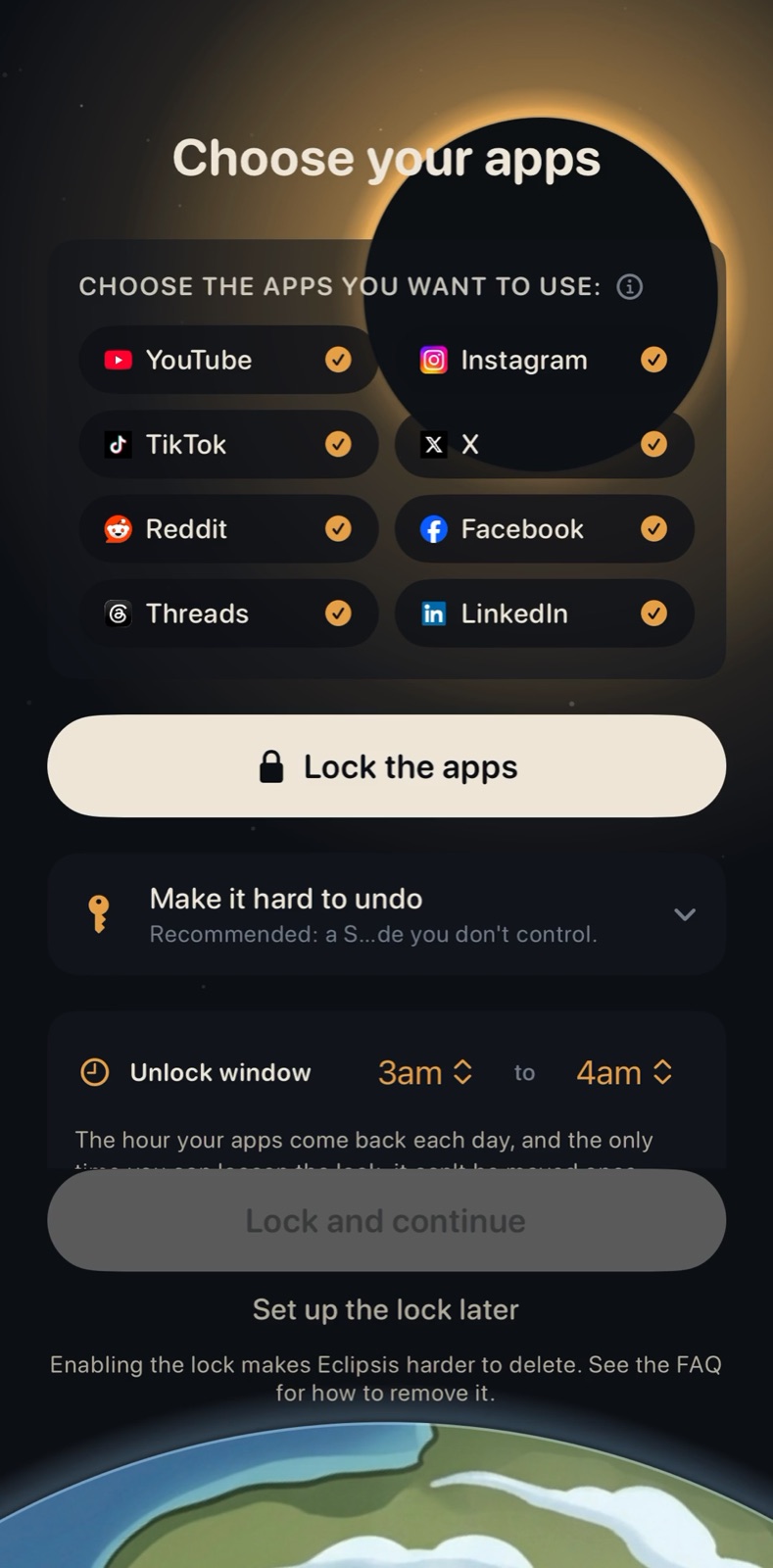
04
Tick the feeds you use, then tap Lock the apps.
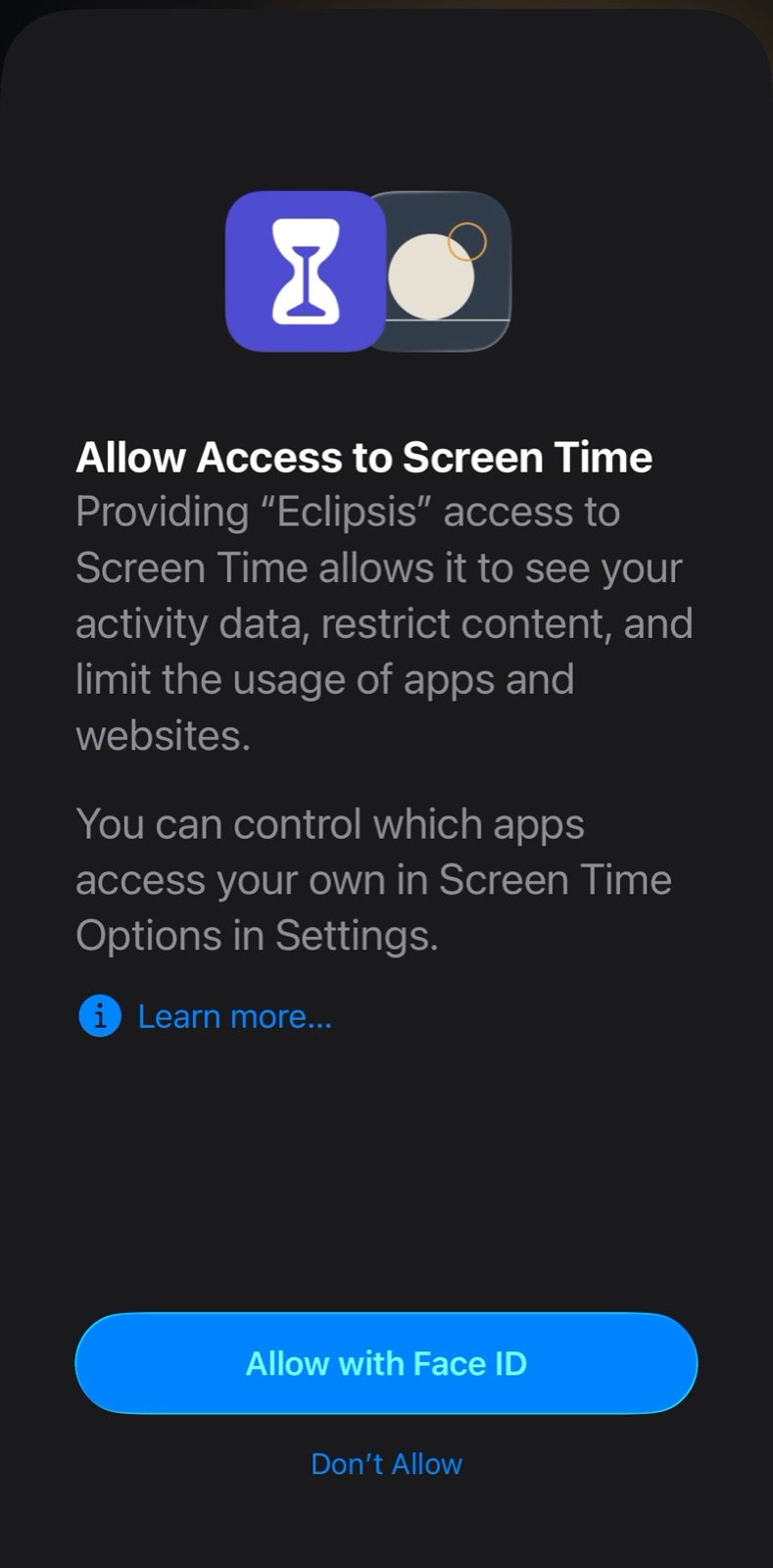
05
Allow Screen Time access. Apple asks; Eclipsis never sees your usage.
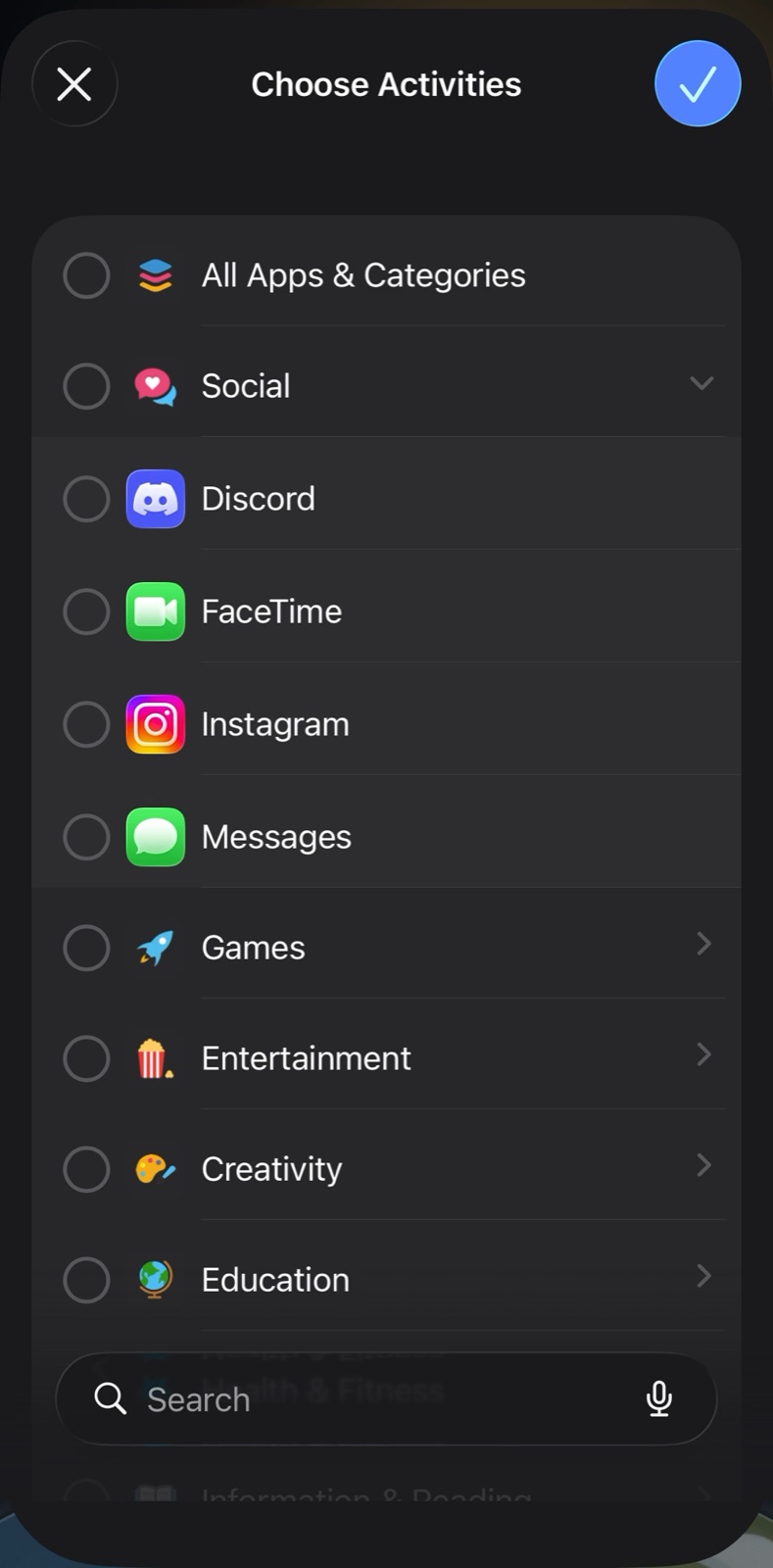
06
In Apple's picker, tick single apps. Skip the category checkboxes.
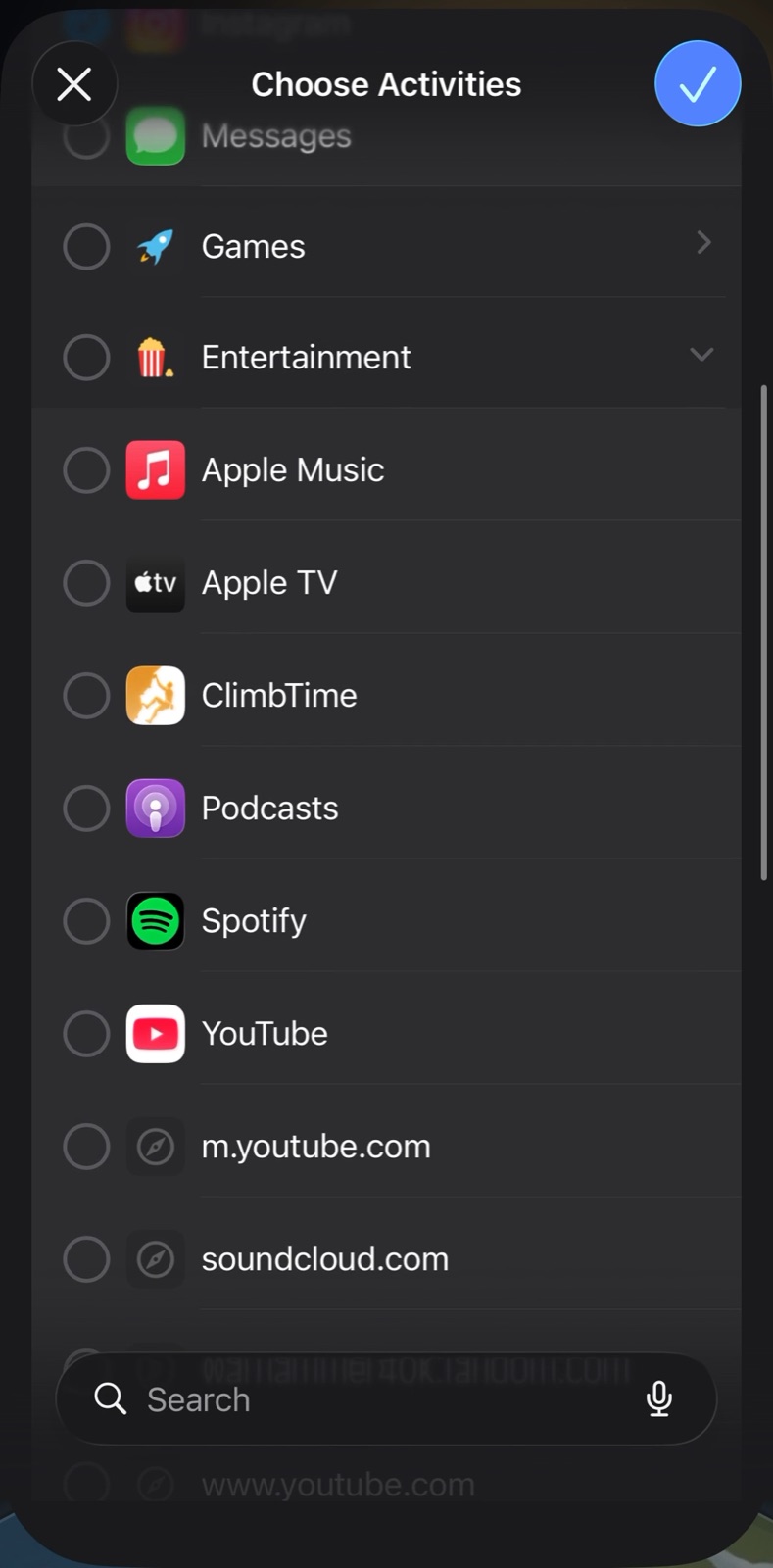
07
YouTube lives under Entertainment. Leave the website rows unchecked.
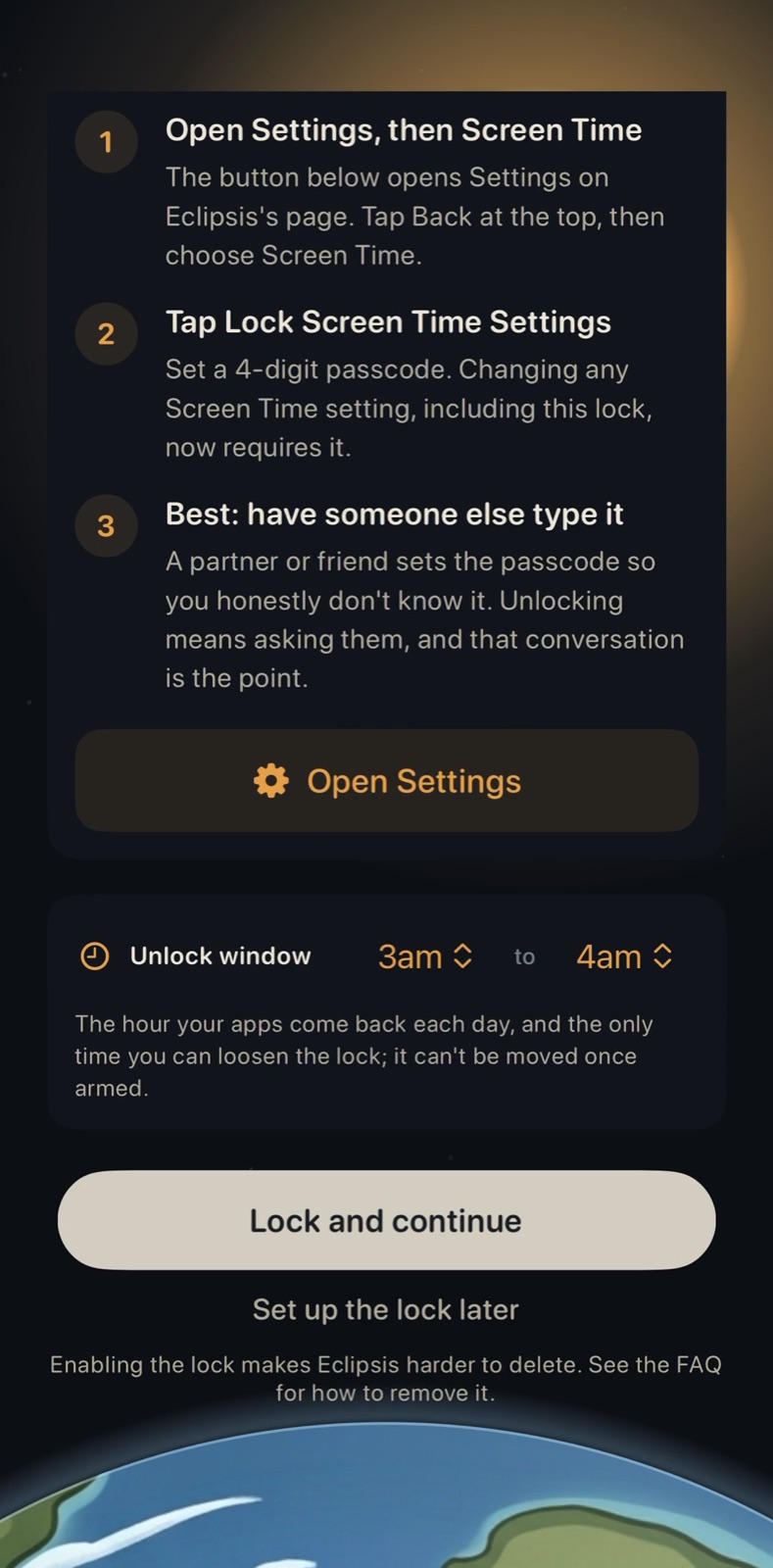
08
Set the daily window, then Lock and continue.
09
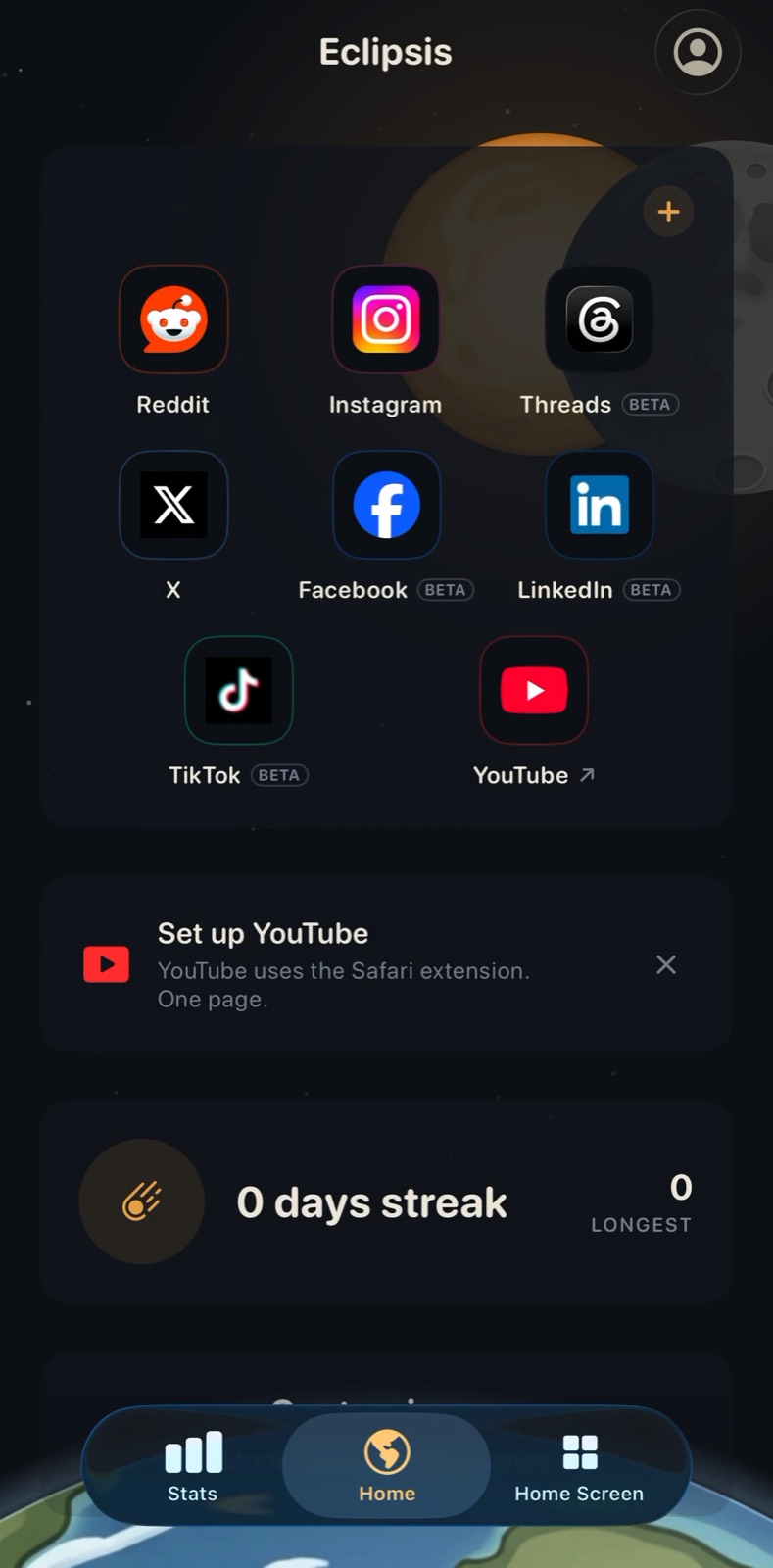
Home. Tap Set up YouTube to switch on the Safari extension.
Get Eclipsis. Free on the App Store. The slowdown and Parent Mode are Eclipsis Pro.
Get the iPhone appQuestions
- Do I need an account?
- No. The app works without one. An account only connects a subscription bought on eclipsis.io, or recovers a Parent Mode passphrase.
- What does the lock do?
- The apps you ticked in Apple's picker vanish from the Home Screen and App Library until your daily window. Your feeds still open inside Eclipsis.
- Can I skip the lock?
- Yes: Set up the lock later. The feed cleanup and the in-app browser work without it.