Turn off YouTube Shorts,
device by device.
YouTube still has no single off switch for Shorts. Here is what works on each device, what YouTube offers itself, and where a free extension fills in.
The short version: in the YouTube app on a phone, YouTube's own Shorts feed limit does most of the work. In a web browser there is no official switch, so an extension does it. The table sums it up; each section below shows how.
| Where you watch | What YouTube offers | With Eclipsis |
|---|---|---|
| YouTube app, iPhone or iPad | Shorts feed limit, down to 0 minutes; dismissible on a regular account | Cannot change the app; the free app lock can hide it until a daily window |
| YouTube in Safari, iPhone or iPad | No Shorts setting | Shorts shelf and Shorts tab removed, free |
| YouTube app, Android | Shorts feed limit, down to 0 minutes | Not available yet; Android is planned |
| youtube.com in Chrome or Firefox | Show fewer Shorts on a shelf; no off switch | Shorts tab, home-page Shorts and the recommendation rail removed, free |
| A supervised teen's account | Family Center limit, down to 0; the teen cannot dismiss it | Parent Mode on the teen's iPhone (Eclipsis Pro) |
YouTube's options as described in YouTube Help and on its blog, October 2026. Eclipsis behavior is the current App Store and extension releases.
In the YouTube app (iPhone, iPad, Android)
Tap You, the Settings gear, Time management, then Shorts feed limit, and choose 0 minutes. The Shorts feed stops with a reminder. Two caveats: on a regular account the reminder can be dismissed, and Shorts still turn up in search and on channel pages. The Shorts feed limit, explained covers both.
On a computer (Chrome, Firefox)
youtube.com has no Shorts switch. Search results often open with a row of Shorts, and the sidebar keeps a Shorts tab. The menu on a Shorts shelf offers Show fewer Shorts, which is a hint to the recommendations rather than a setting.
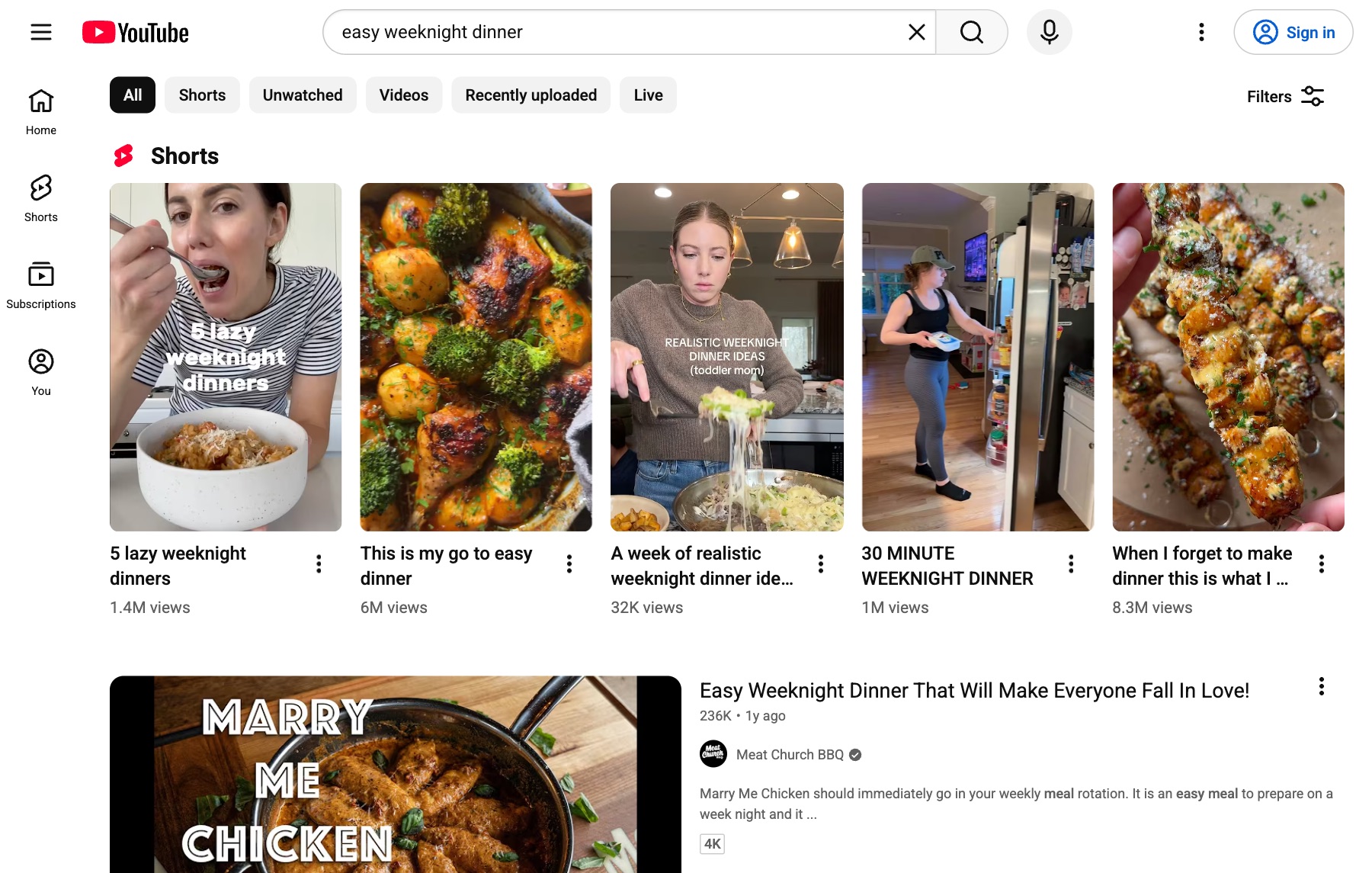
YouTube search on a computer, signed out: Shorts come first.
The free Eclipsis extension for Chrome and Firefox removes the Shorts tab, Shorts on the home page and the recommendation rail beside videos. No account, no analytics.
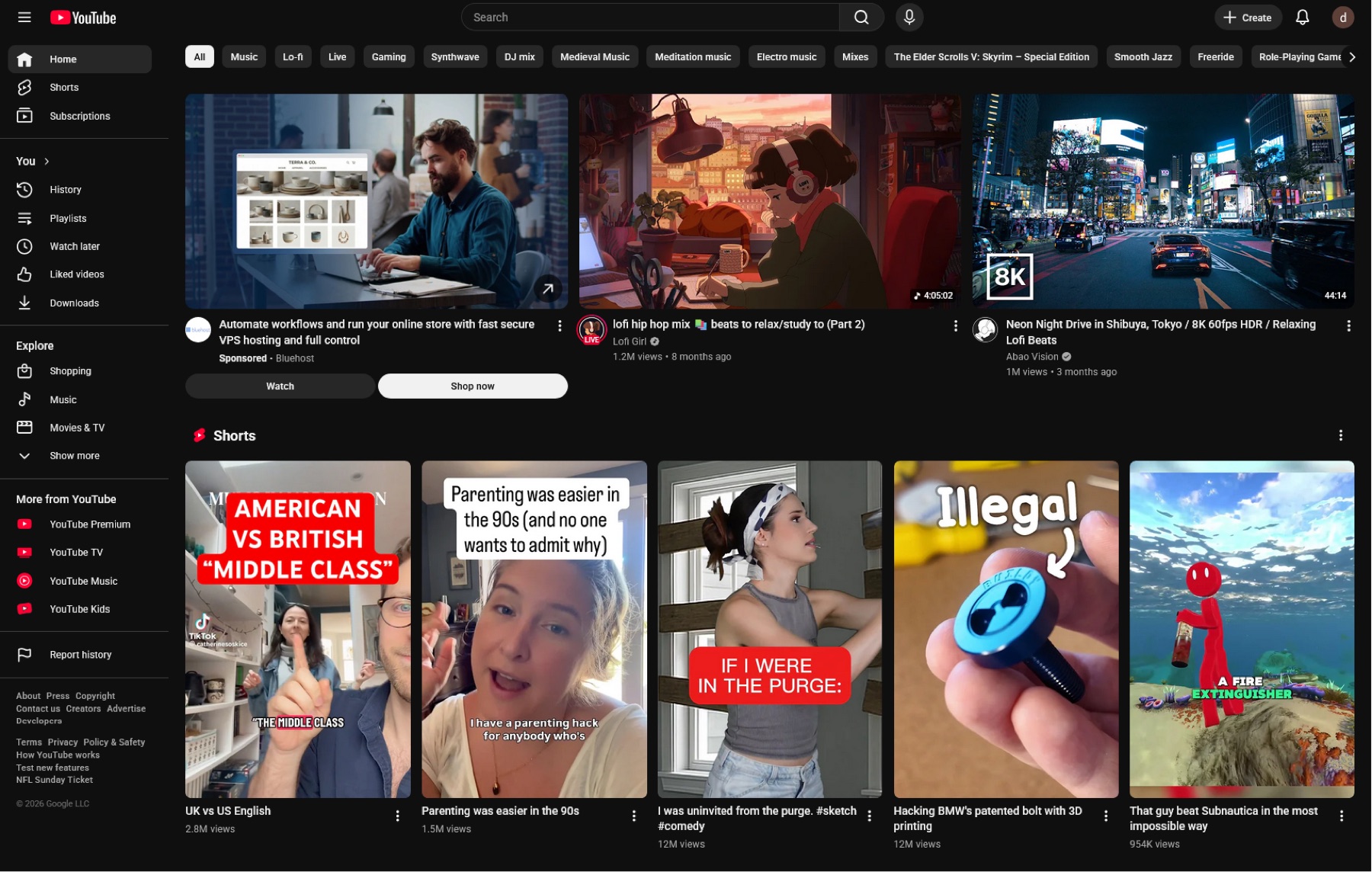
Home before: a Shorts shelf between the videos.
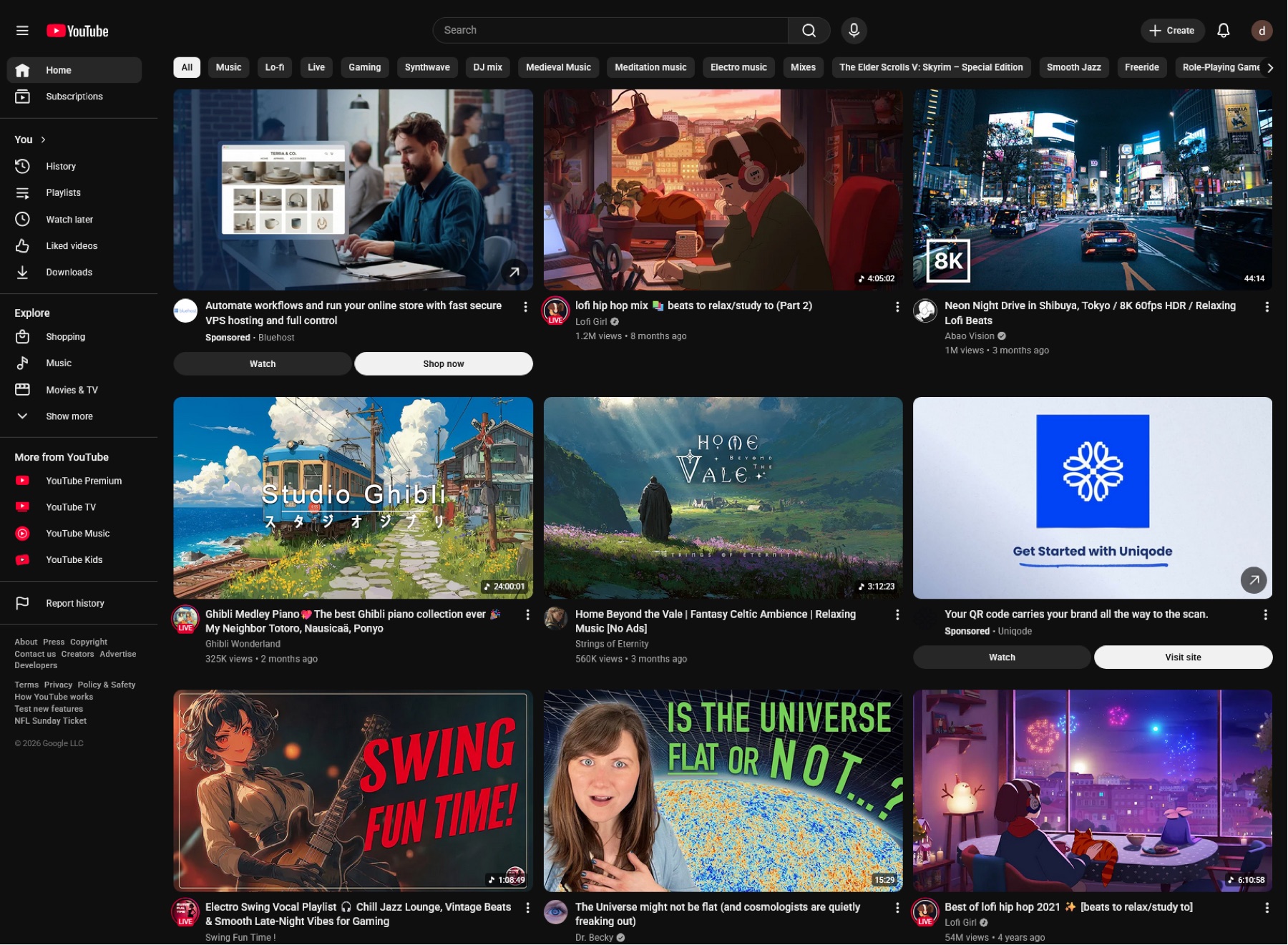
Home after: the shelf is gone.
On iPhone, in Safari
The Eclipsis app includes a Safari extension that removes the Shorts shelf and the Shorts tab from YouTube in Safari, free and without an account. To make Safari the only way in, the app lock can hide the YouTube app until a daily window you choose.
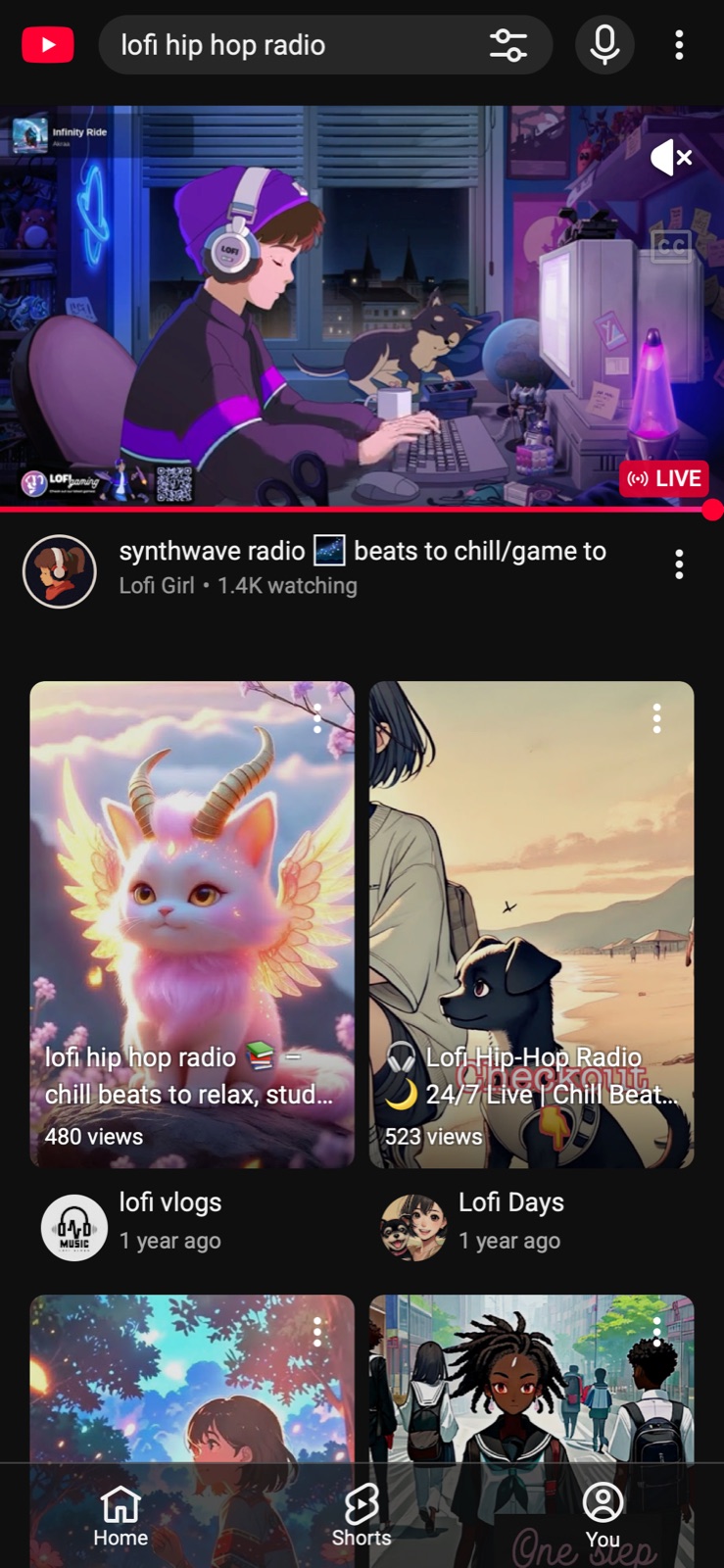
Safari before: a Shorts shelf in the results.Before
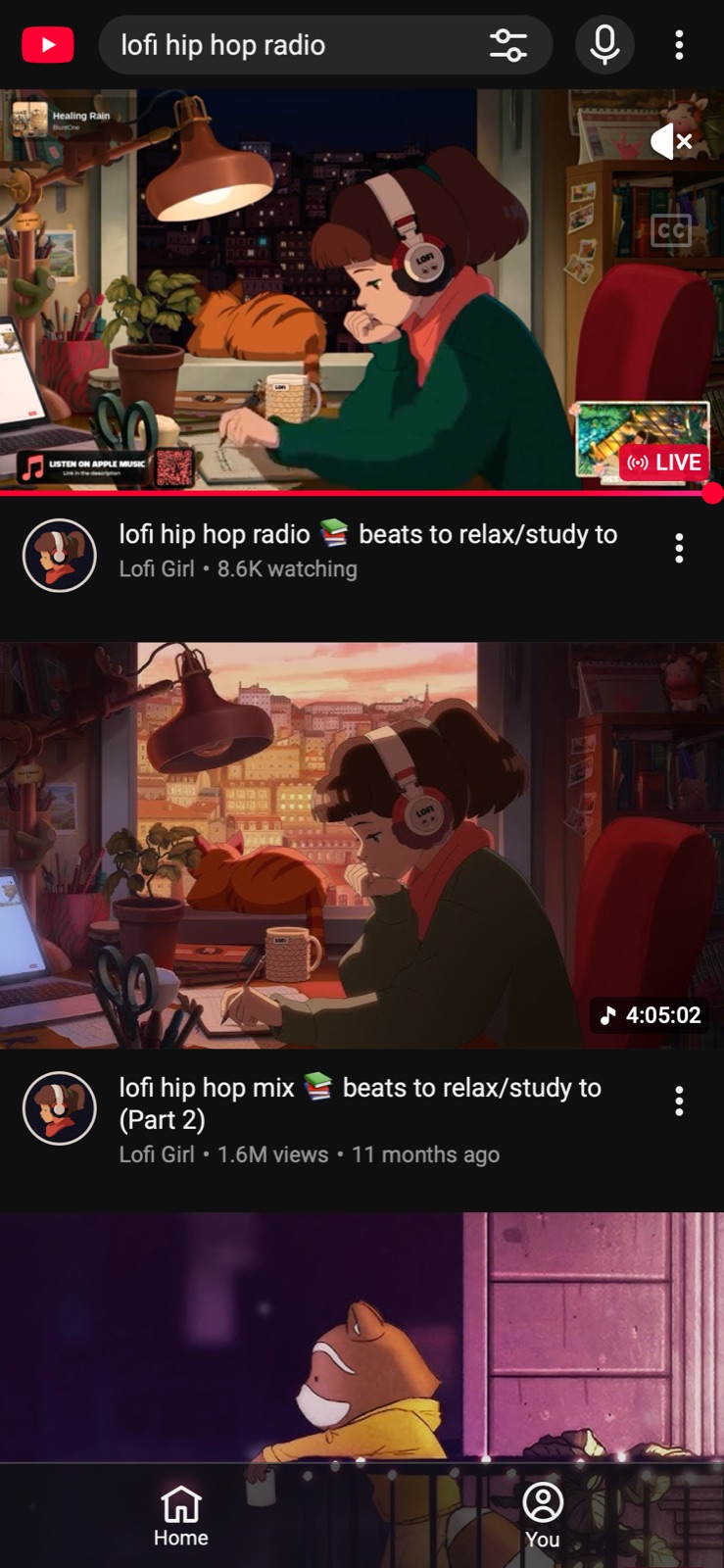
Safari after: only the videos you searched for.After
For a child or teen
On a supervised account, a parent can set the Shorts limit to 0 from Family Center in the YouTube app, and the teen cannot dismiss it. Blocking Shorts on a child's iPhone puts that together with Screen Time and Parent Mode.
Get set up
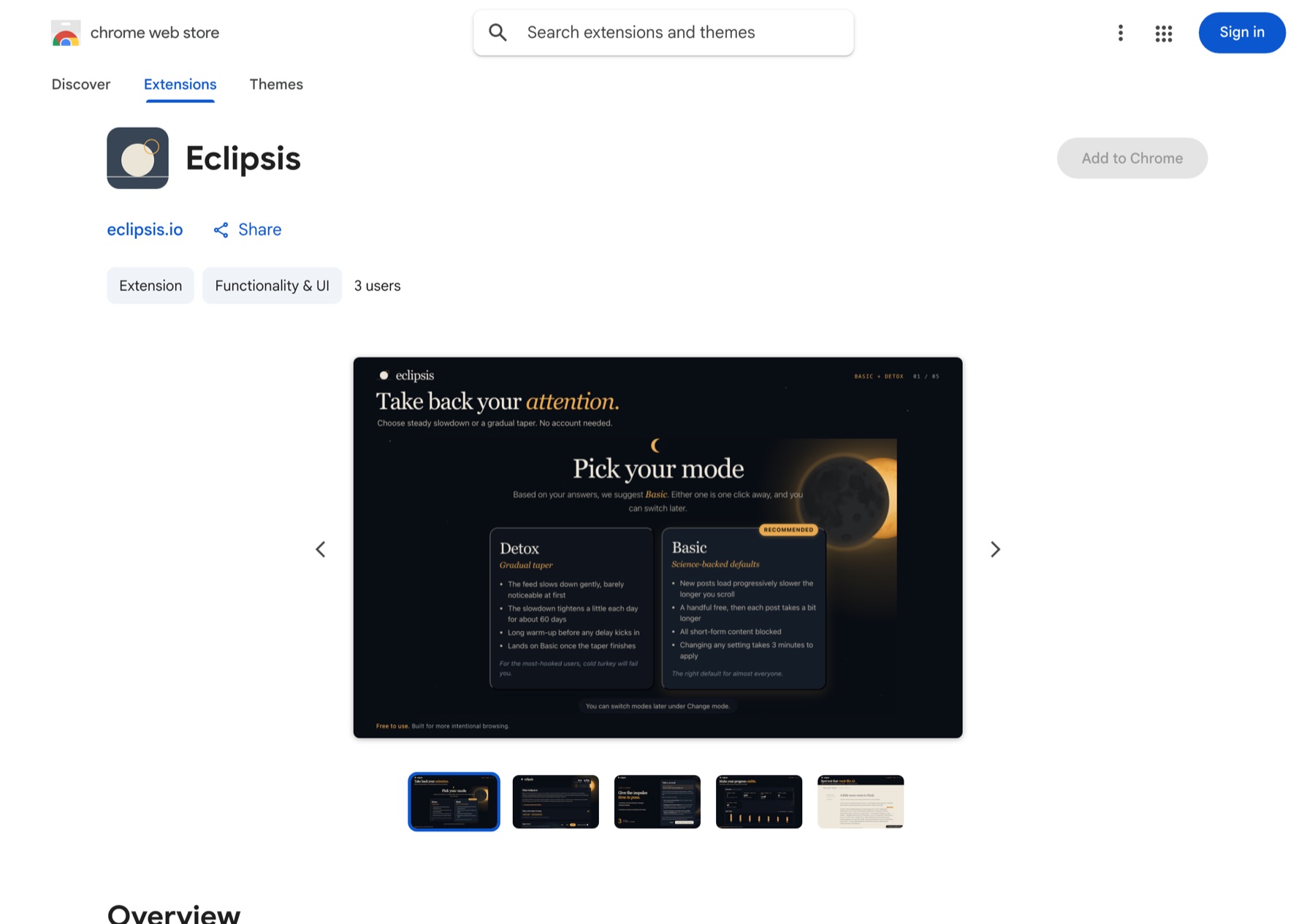
Chrome: open the listing and click Add to Chrome.
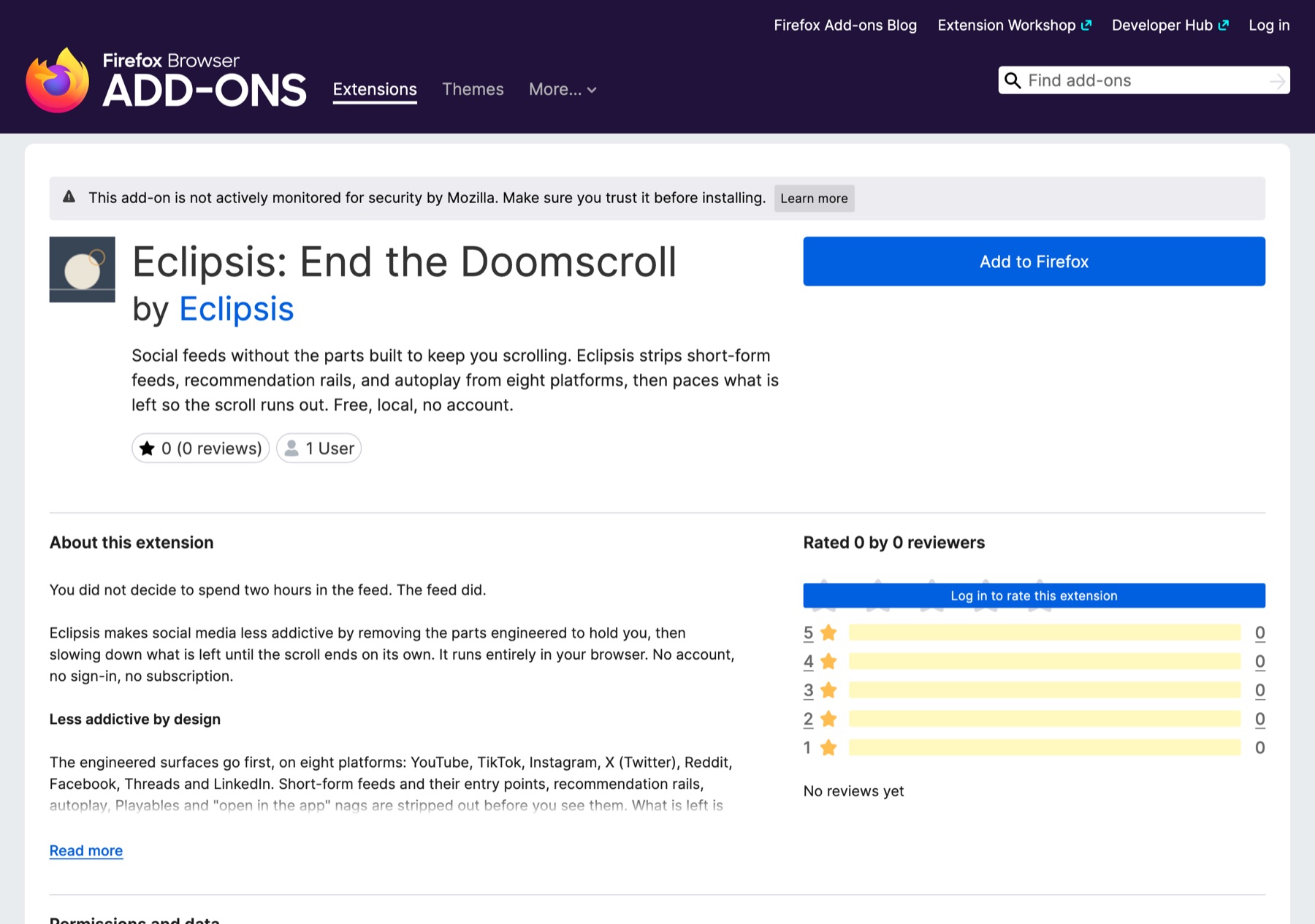
Firefox: open the listing and click Add to Firefox.
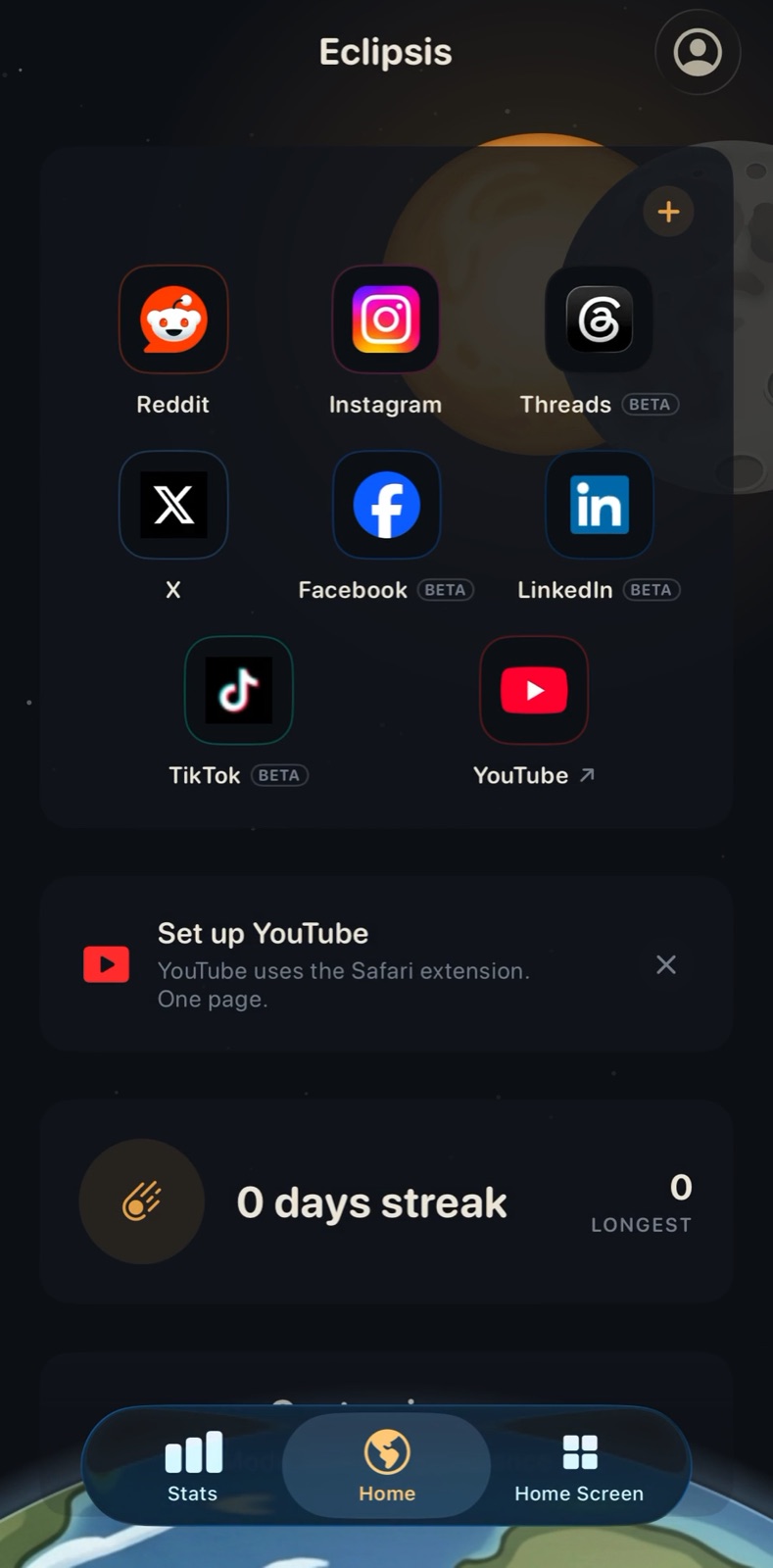
iPhone: install Eclipsis, then tap Set up YouTube on Home.
Questions
- Is there an official way to turn off YouTube Shorts?
- Partly. The YouTube app's Shorts feed limit can be set to 0 minutes, which stops the Shorts feed. There is no switch that removes Shorts everywhere, and none on youtube.com in a browser.
- Is it free?
- YouTube's settings are free, and so are the Eclipsis extensions for Chrome and Firefox and Shorts removal in Safari on iPhone. Eclipsis Pro, $3.99 a month or $29.99 a year, adds the slowdown that makes feeds run out, the AI feed filter and Parent Mode.
- What about Android?
- Use the YouTube app's Shorts feed limit. Eclipsis is not on Android yet.